
On February 18th and 19th, I was part of a group of mostly female bloggers who were brought to New York to meet Vivienne Tam and learn more about the HP / Vivienne Tam Mini Note collaboration.
Our first day consisted of a whirlwind New York City tour…
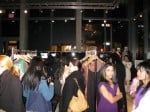
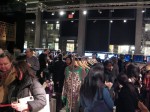
That night we were invited to the Vivienne Tam fashion show and cocktail party, where her Fall 2009 collection was revealed. Since I am new to the behind-the-scenes world of high fashion, I was a little bit surprised that what we were being shown was for Fall 2009 instead of Spring. I would later learn that it is done that way so that buyers can prepare.
Here’s a video of the fashion show, which was put together by Maegan.
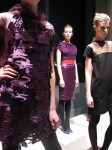
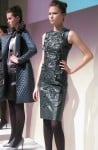
Some of the styles we were shown were absolutely jaw-dropping. Two that really stood out for me were the green leather dress and the purple dress which appeared to be covered in laser-cut Chinese characters; both were absolutely lovely.
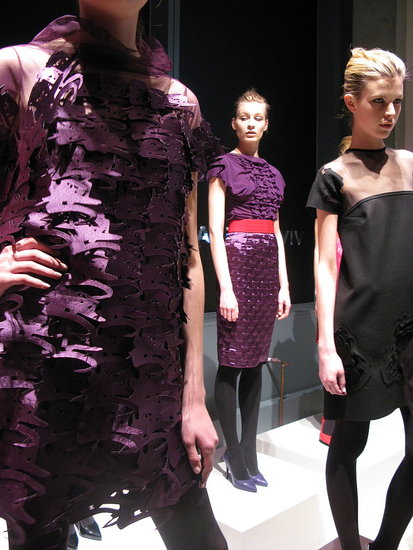
photo credit: coutorture
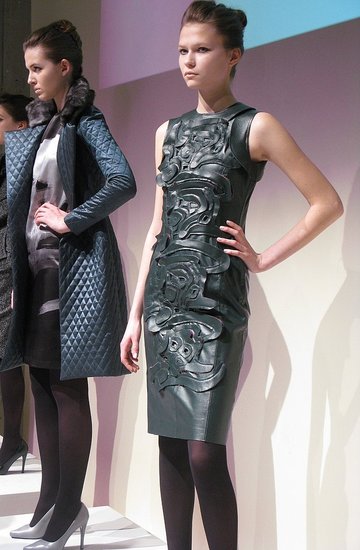
photo credit: coutortureI had run into a snafu earlier in the day, when I discovered that my 5D camera would not upload pictures to my Tam Mini Note 1000 – probably because it needed a particular driver that I hadn’t previously loaded and which wasn’t easily downloaded, so I brought my N85 along to take photos that night. I should have brought the G9, because the poor lighting conditions really stretched the camera phone’s capabilities. Thankfully Xavier was there, and he got some good photos…
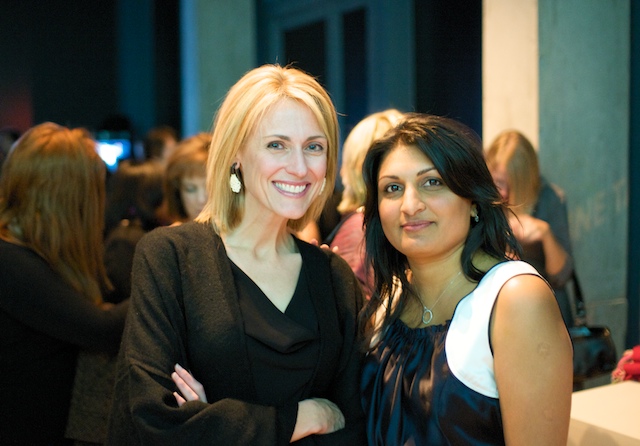
photo credit notebooks.com: Amisha and me
Vivienne Tam was in attendance, and the most amazing thing was that she was so excited to see us there! Vivienne posed for pictures with us, and we all got a brief taste of what it feels like to be in the limelight with a million flashbulbs going off at once.
Side note: I didn’t like this part at all. Not only did it feel like my face was about to crack from all of the smiling for photos; I was also blinded by all of the exploding lights. After this experience, I am quite happy to be behind my laptop instead of in front of a camera. 😛
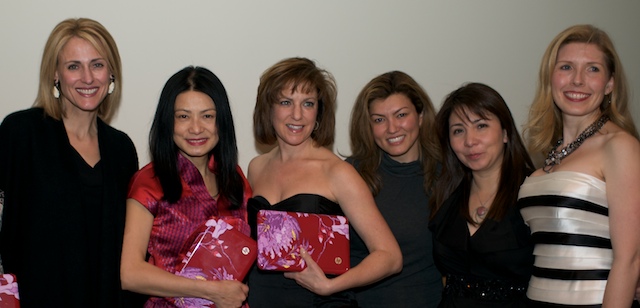
photo credit notebooks.com: me, Vivienne Tam, Beth, Ponzi, Gina, and Sierra
BuzzCorps, the company that brought us all together for the event, had picked a really diverse group of women to attend; included in the mix were tech bloggers, fashion and accessory bloggers, and mommy bloggers. It was a really nice change of pace for me to attend an event and not only be surrounded by other women, but to have an excuse to dress up as well; let’s face it, my usual tech conference garb is jeans or khakis and a t-shirt…and maybe a jacket if I am “dressing up”.
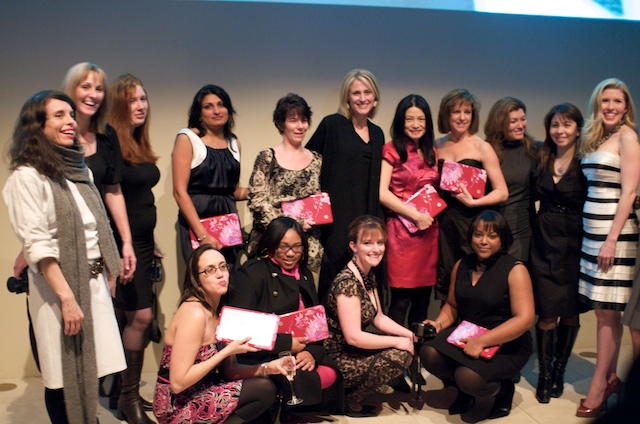
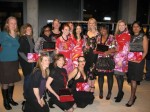
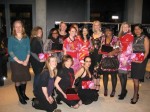
photo credit notebooks.com: (back row) Jennine, Tammy, Helena, Amisha, Julie, me, Vivienne Tam, Beth, Ponzi, Gina, Sierra (front row) Maegan, Tierra, Casey and Dana
One of the things that most impressed me on this evening was how gracious and friendly Vivienne Tam was. Let me explain: Vivienne Tam has been a major fashion presence for years. She has never cheapened her brand, and what I mean by that is you will probably never see her items being sold at JC Penney or any other mass-merchandise venue. She has controlled her branding perfectly – making it desirable because it is so pretty, but accessible because it isn’t too extravagantly priced. Her collaborations with HP, Disney, and even anime have helped get her name out there without compromising her brand’s desirability in the least. In other words, she is a big deal.
Okay; I am done gushing. But my point was that this is a woman who could have very easily shown up and served the “little people” attitude, and she absolutely didn’t. She was friendly to us and very accommodating with her guests; the best part was that she seemed absolutely thrilled to be introduced to us bloggers. She kept going on about how pretty we were, and how she loved to see women in tech. Let’s just say that she made more than a few fans that night. 😉
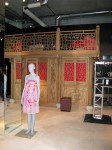
The next day, we had a private event at the Tam Boutique at noon.
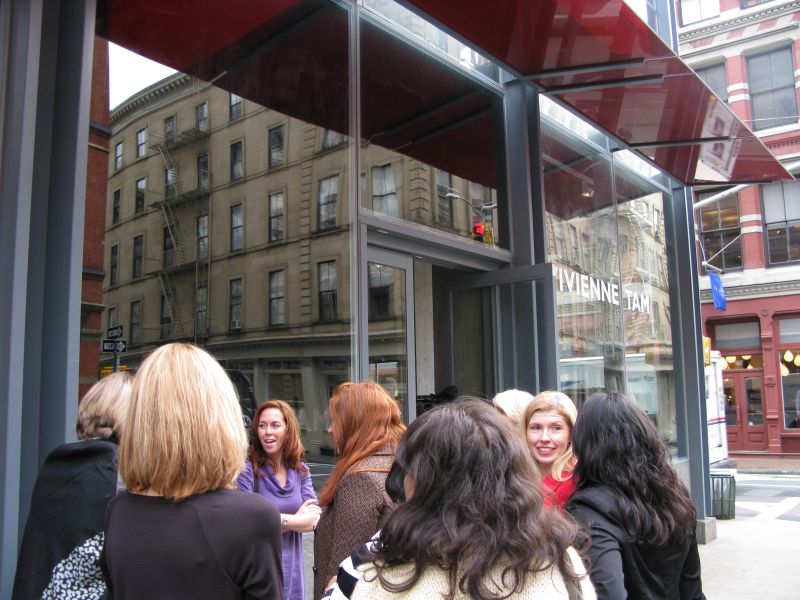
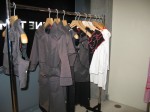
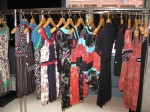
When we came in we were greeted by Alan Wang, and we were then immediately introduced to some of the fashions which had been inspired by the design she had created for her eponymous laptop.
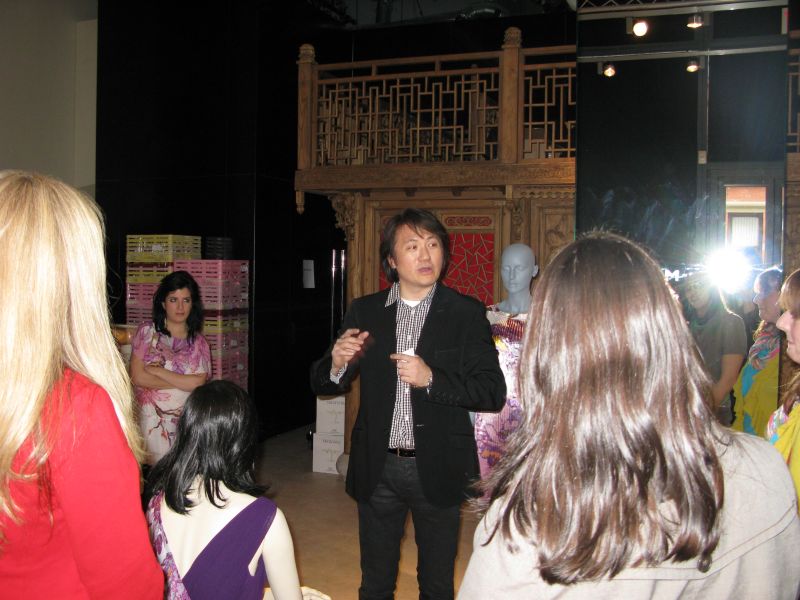
That’s right; she designed the HP Mini Note laptop’s design first, and then she designed many of this year’s fashions to complement it.
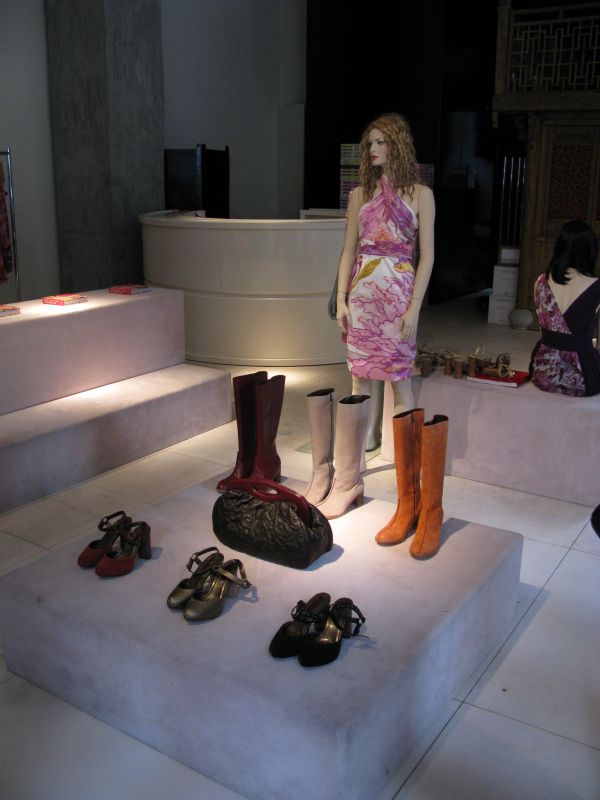
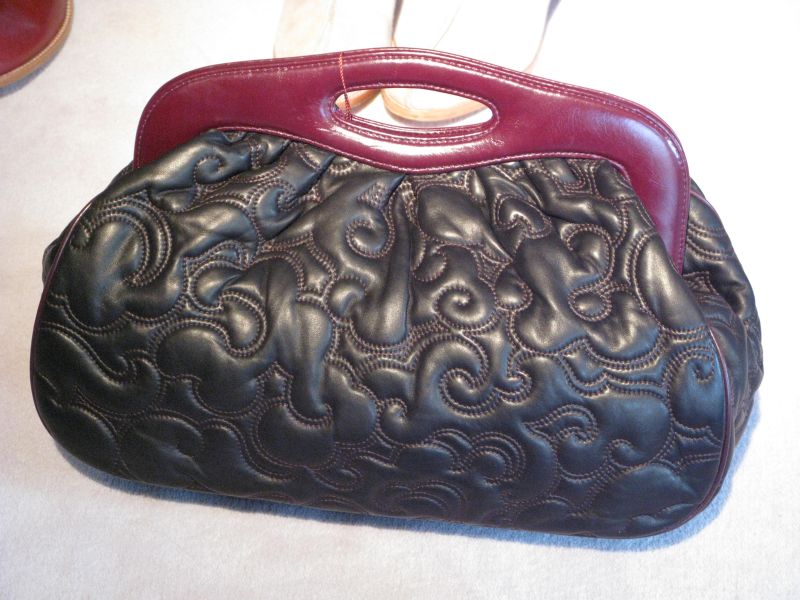
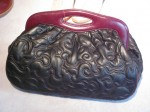
What can I say? I immediately saw this bag and fell in lust. Okay, this photo is a bit too stark, but the bag happens to be the most sumptuous, yummy, intoxicating scoop of lambskin loveliness ever!
Alan Wang then gave us the biggest shock, by telling us that we could pick out any dress in the store…to keep! Suddenly a group of grown women started feeling and behaving like a gang of giggling little girls; it was fun to watch!
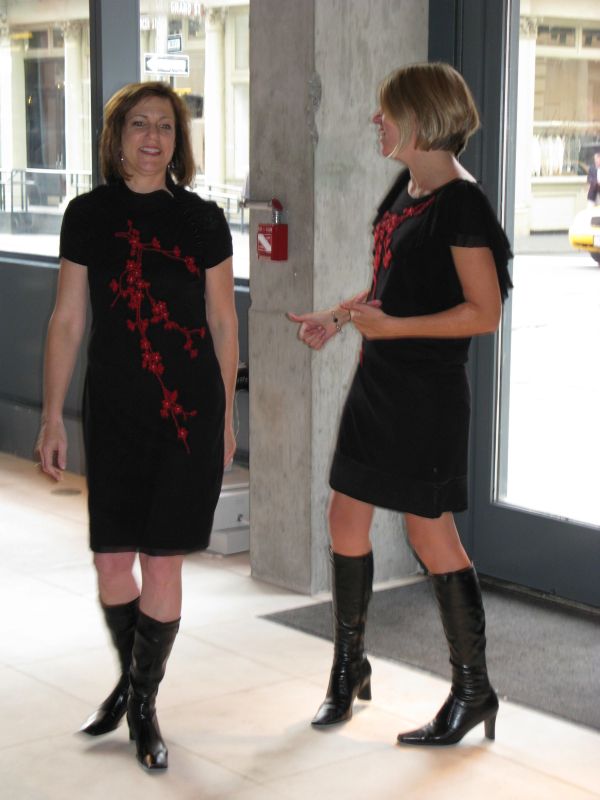
I honestly thought about getting a dress, because they were totally lovely…
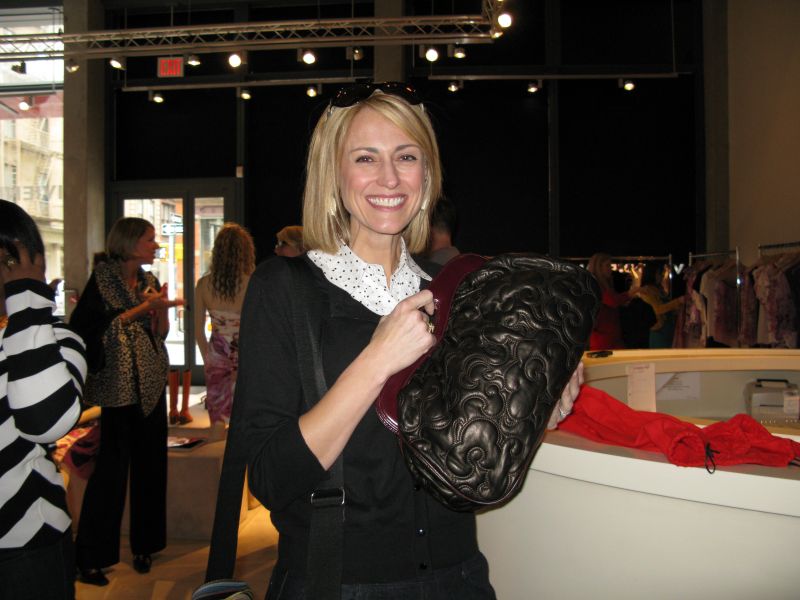
…but then Dana told me that Alan was including the bag I had seen (and squealed over) as a giveaway option, and the practical part of me kicked in. If I got such a fabulous dress, I would be able to wear it a couple of times, and then people would be like, “hey – we’ve seen that before!” But if I got a bag…I could carry it for years!
So that’s what I got. See that big smile on my face? It took hours for that to wear off. 😉
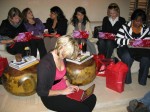
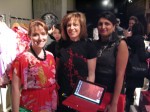
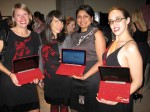
I wasn’t the only one who chose the bag: Tierra, Terri, Dana, Julie, and Helena also got one; Beth is modeling Terri’s. You’ll note that our Tam laptops fit easily inside the bags, so the bags are both beautiful and practical. 😉
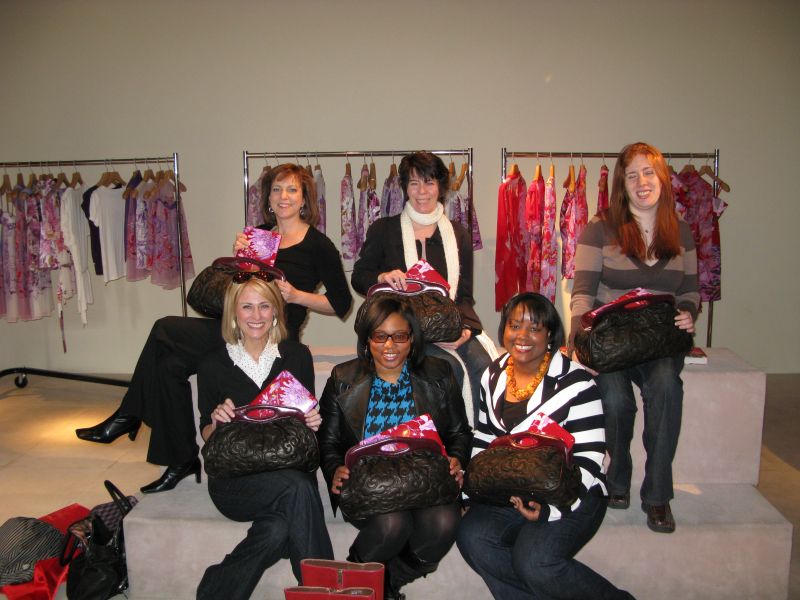
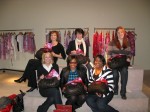
Top Row: Beth Julie, Helena; Bottom Row: me, Tierra, and Dana
Being the geeks that we were, we immediately started tweeting about our loot. Many of us got immediate semi-joking “I hate you” replies from our female Twitter friends. None of us minded at all. 😉
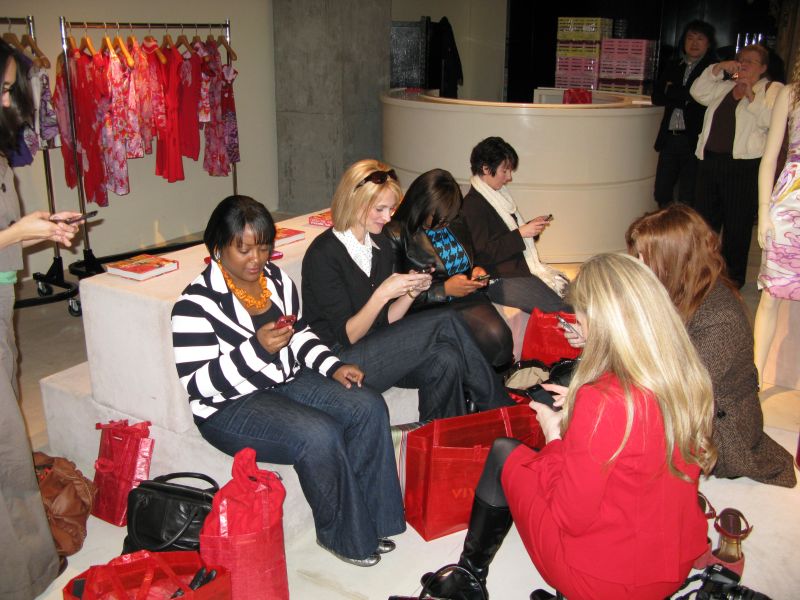
Dana, me, Tierra, Julie, Sierra and Helena
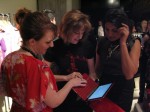
After we got back to the hotel (all of us totally elated and hungry!), Sarah from HP lined us up so that she could perform surgery on our VT Mini Note’s webcams. For some bizarre reason, the laptops had shipped with a dark film over the camera’s lens, but the lovely Sarah showed us how to remove it…
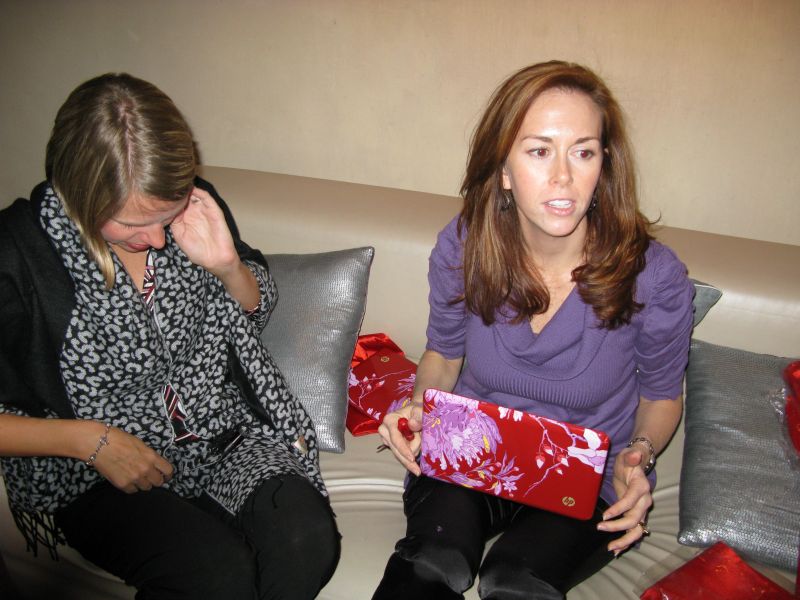
Caroline and Sarah
If you would like to know how to fix the webcam on yours (assuming that yours is also inexplicably dark), then all you have to do is watch…
Update 02/26/08: At the request of HP, I have removed the video of the webcam fix.
There are two reasons why I opted to do so.
The first is that doing the fix could potentially damage the HP MiniNote, and it would also void the warranty.
The second is that I have been assured that because of this video, HP has been forced to acknowledge the “film over the webcam” issue, and they are putting together an official statement with plan of action to properly fix customer’s Mini Notes that are affected by this problem.
If you have any questions about my decision, send me an email.
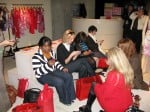
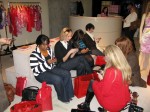
The W Hotel’s Living Room had free WiFi, which gave us all a chance to connect and give status updates to our social media sites.
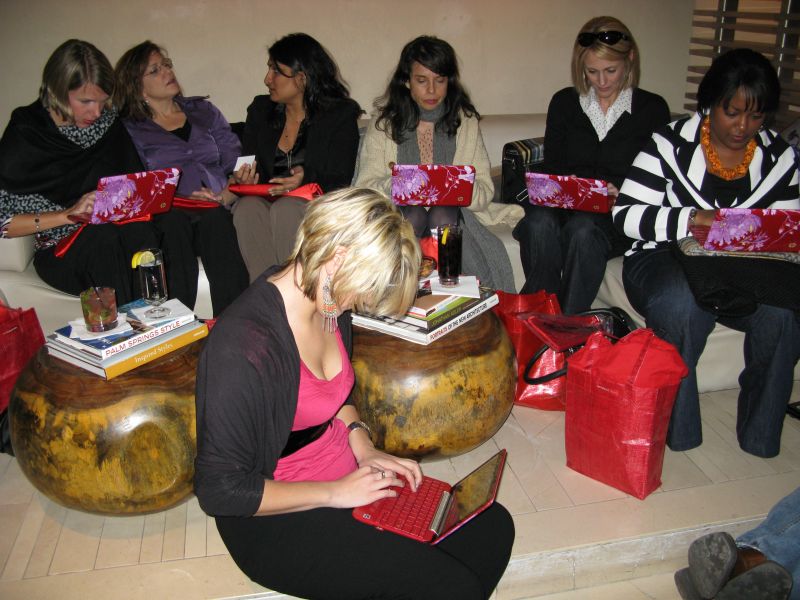
Caroline, Beth, Amisha, Jennine, me, Dana, and Halle
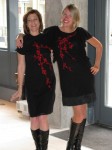
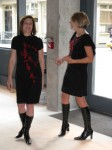
That evening we showed up at the Tam Boutique again for another cocktail party; Alan had told us beforehand that it would please Vivienne if we showed up wearing her fashions, so we were all more than happy to comply.
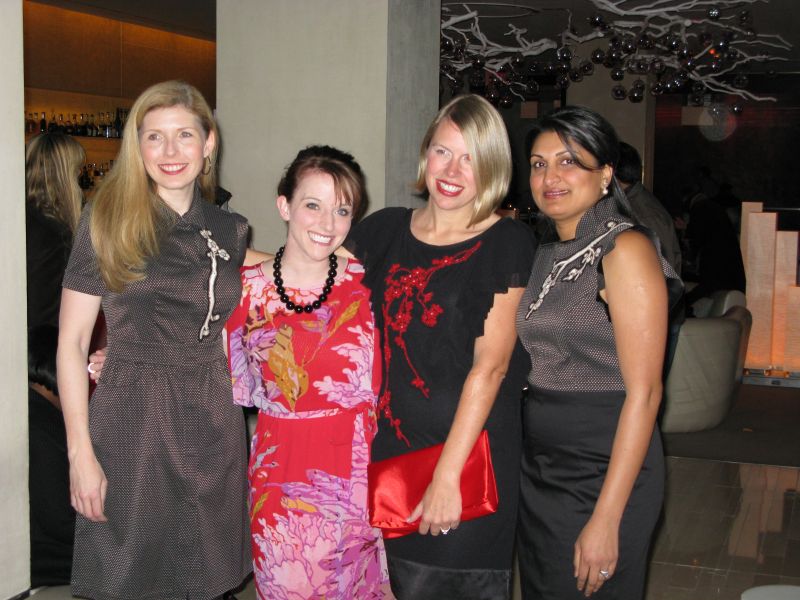
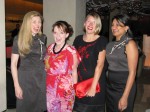
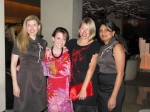
Sierra, Casey, Caroline and Amisha
I don’t think that any of us knew it in advance, but this particular party turned out to be the official launch of HP’s Vivienne Tam Mini Note! The boutique was packed with people there to enjoy the party and see the new laptop.
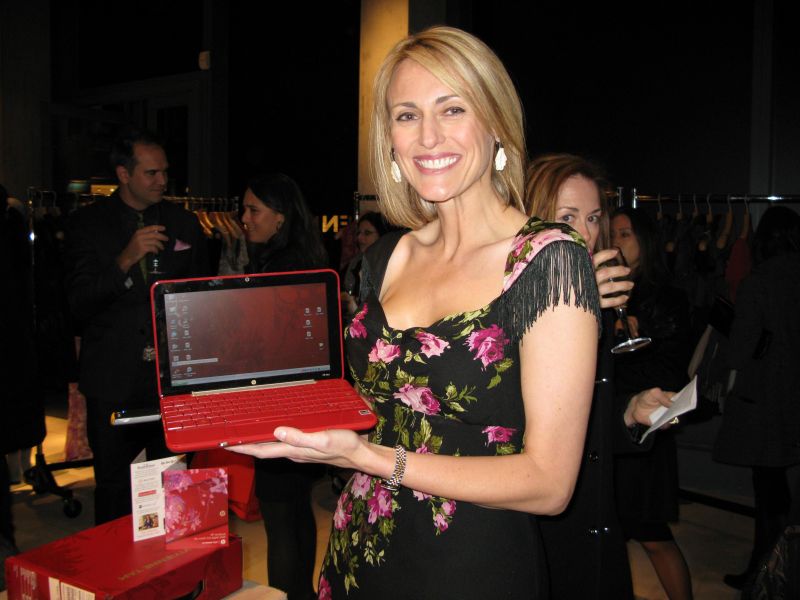
My dress was Nicole Miller.
One of the absolute best parts of the evening was watching the expressions of the women checking out the mini-Tams, and seeing how their eyes lit up when they realized how special these laptops are.
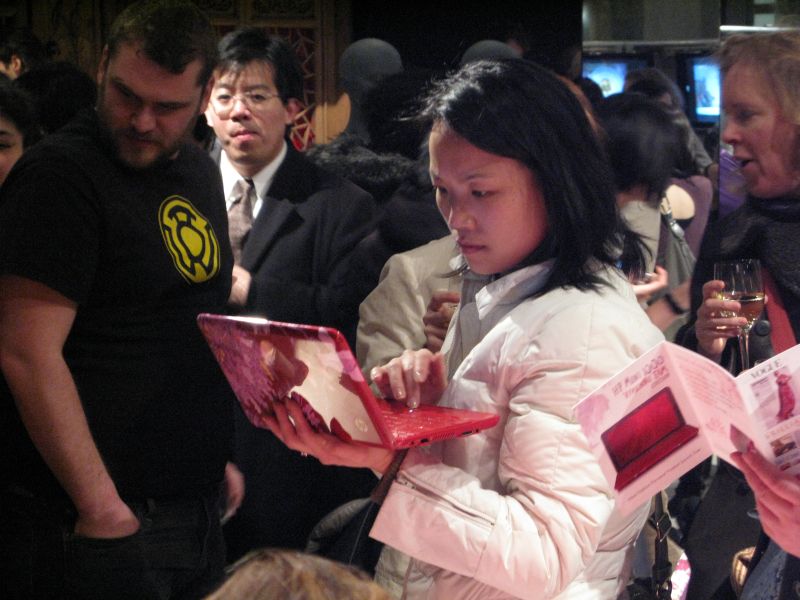
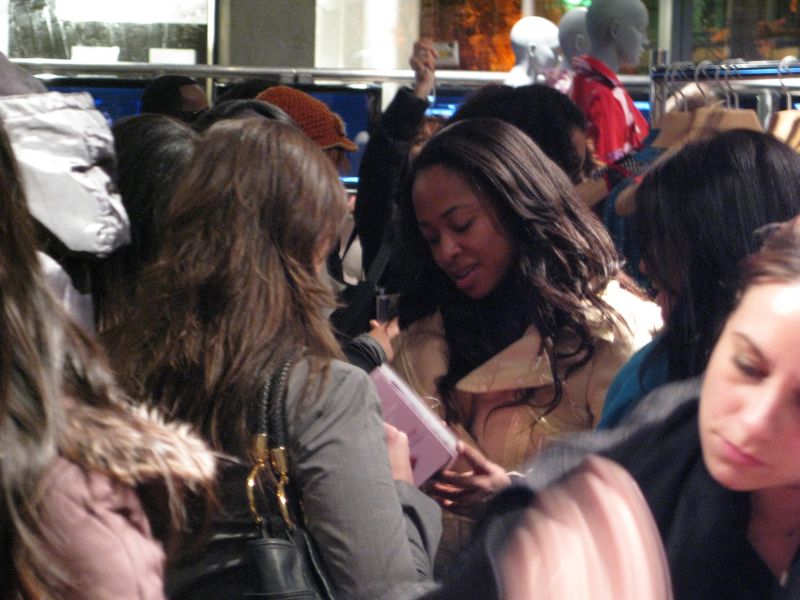
Once again, Vivienne Tam made a low key appearance, and once again, she was completely gracious, sweet, and complimentary to us. I don’t think that I would be exaggerating if I said that after this experience, more than a few of us would join her fan club if there were one.
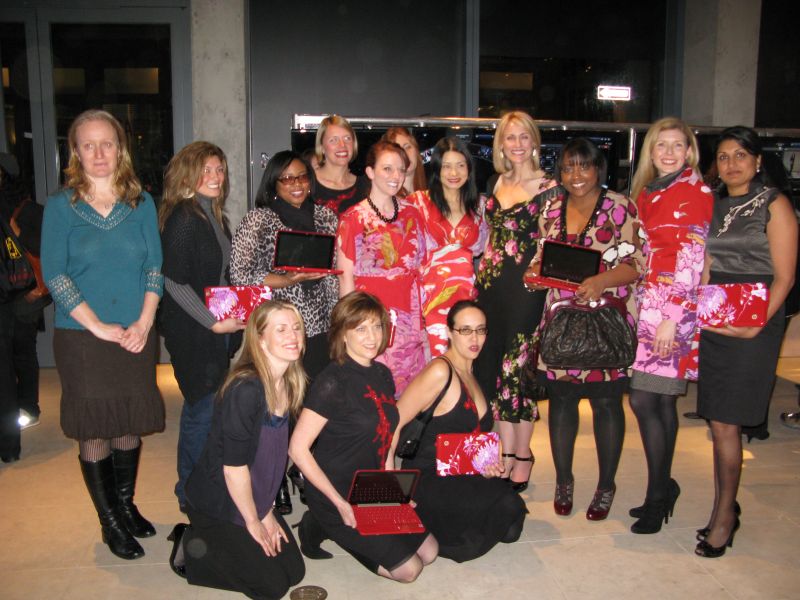
back row: Marinka, Ponzi, Tierra, Caroline, Casey, Helena, Vivienne Tam, me, Dana, Sierra, and Amisha; front row: Kelcey, Beth, and Maegan
So what do high fashion and high tech have in common? Simple. Women are not men…duh! We want function, but we also want something else…beauty. Simply put, Vivienne Tam and HP get it.
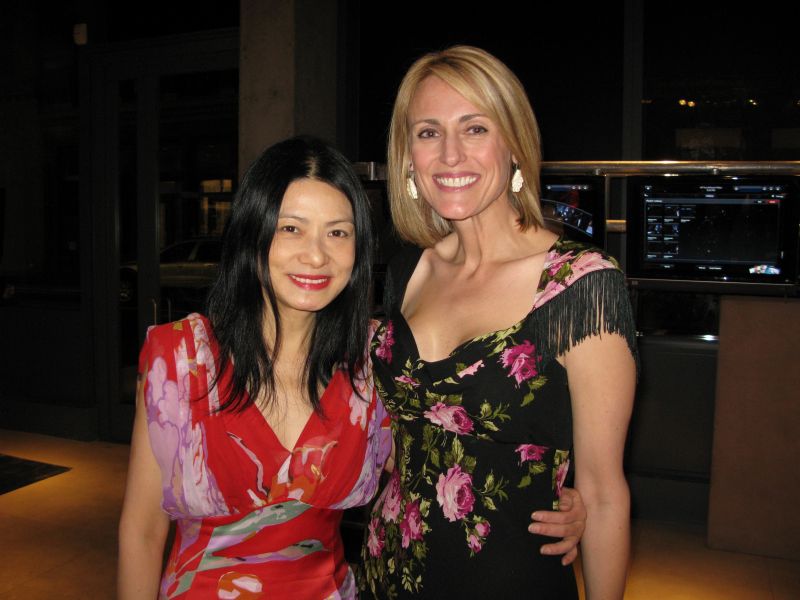
Vivienne Tam and me
It’s insulting and condescending to take a half-baked product, color it pink, and then think it will appeal to women. But when a company takes a genuinely good product – such as the HP Mini Note, gives it a recognizable name brand designer redesign, then that device rightly becomes an object of desire, something we are proud to carry, and something worth saving for.
My hope is that other worthy devices will get similar treatments, because not much makes me happier than having aesthetically pleasing and yet truly functional gear. If my gear can make me feel pretty and smart – without compromises – then it is a very good thing!

































Bloggers attending included:
Ponzi – Geeks!
Amisha – Notebooks.com
Andru – Gear Live
Dana – The Art of Accessories
Tierra – Tech Starlet
Tammy – A Mom in Red High Heels
Casey – moosh in indy.
Caroline – Morningside Mom
Beth – Techmamas
Gina – Techie Diva
Judie – Gear Diary
Julie – OSNN
Terri – Mobile PC World
Jennine – The Coveted
Maegan – VivirLatino
Helena – ChipChick
Sierra – GottaBeMobile
Kelcey – MamaBirdDiaries
Marinka – NY City Moms & More


Wow! What a totally fantastic merger of fashion and technology… wish I could have been there.
Wow!
Oh Judie, I'm SO fired up that your tech side has met your previously hidden glam side! Great choice on the bag. Hurry up and give us a review on the Tam HP mini so I can decide to give that to my girlfriend for her birthday, She's all Mac all the time for ten years, so I have work to do to convert her before May.
I miss talking to you more often,but I'm glad you had such a great trip! I'm still up for GearStock.
Oh Chris; don't wait for my review, just get it. If she hates XP, Dan can probably help her convert it to OSX. heh heh heh…
GearStock is still on, and I hope you all come!! :-))
Great re-cap of events! Vivienne is indeed a lovely and gracious woman! I loved the handbag but no comparison to the red boots for me 🙂 Stunning on you though…great choice!
Tammy, your boots are gorgeous – and from what I understand, you were a very lucky gal to get them! Nick was telling me that the samples on the floor were IT. You are so lucky to have a "sample sized" foot! 🙂
That's what I heard…it was meant to be 🙂
Very cool. That notebook is starting to grow on me as well.
I think you would look lovely carrying it. 😉
Judie, absolutely great article… thanks for sharing.
Hi! what a fantastic recap! Btw, I'm the "unknown" in the green top in the back row and Mama Bird Diaries is the unknown in the front row!
Thank you! I will make you both "known" right now. :-))
Wow, soooo many cool things about this post!
1. A fashion designer giving so much love to bloggers
2. Fashion + tech = love
3. Women of different types of blogs uniting for a cool, VIP experience
4. A blogger lounge at a fashion event? Love it!
Good news! I no longer have to be AS jealous! I just found out this morning I won a VT HP mini in the Independent Fashion Bloggers NYFW contest. SO excited!
I wish I wouldn't have missed you all at the VT show (had to leave early to catch my flight home).