
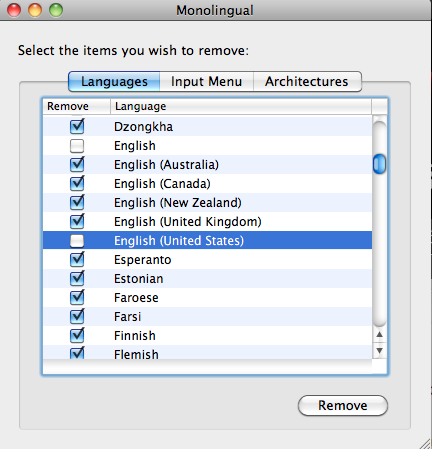
I personally use only one language on my Mac computers, English. Unless you’re multi-lingual or unless you’re like Judie and plan on taking up another language, chances are you only need one language on your computer as well.
The Mac comes preinstalled with several language packs. These packs includes fonts, and other things which all take up hard drive space.
That’s where Monolingual comes in. Monolingual is a free application (donations are accepted) which allows you to selectively remove any language pack from your Mac that you choose.
In my case I opted to remove everything except English. The application runs through every program installed on your computer removing the additional language packs leaving only the ones you want. The process took me about fifteen minutes to complete on my Mac Book Pro and a little longer on my iMac.
But when it was done I’d regained 2.5 gig of hard drive space back on the Mac Book Pro and 2.6 gig on my iMac.
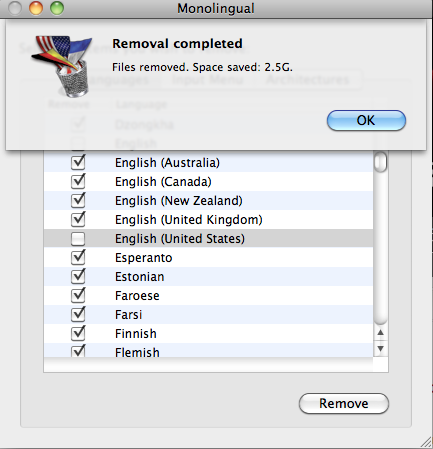
Well worth it.
You can download Monolingual here.



Thanks for this post. I had forgotten about this program!!!!!!!
I cleared out 3.7GB! After getting rid of Sims 3 I now have over 30GB free!
Hmmm.. Could be handy on my Mac Air.. I’ll be keeping English(Australian) however.. 🙂
I just finished running it on a Snow Leopard system. Reclaimed 1.5 Gig.