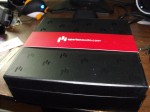
Sometimes you just want to place your speakers in a different spot than your audio source. The Aperion Home Audio Link just might be a option. Let’s see how it works.
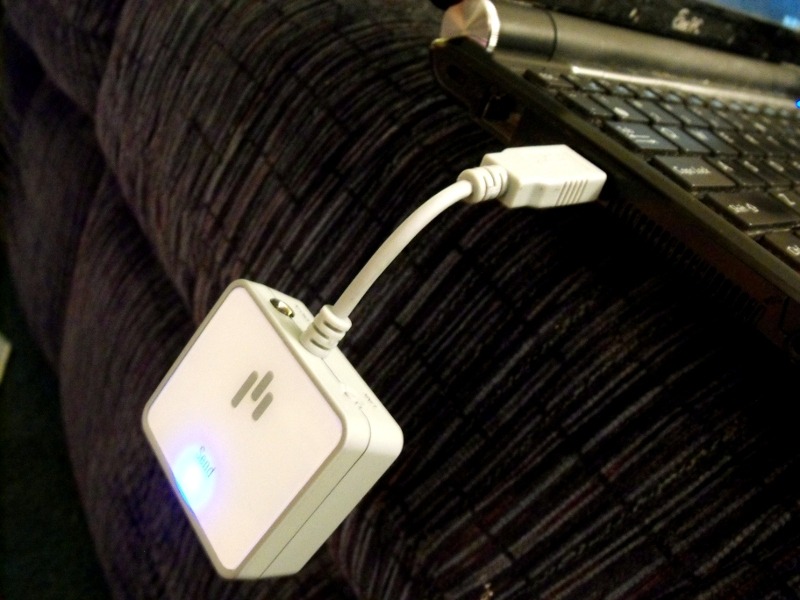
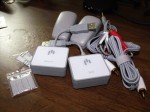
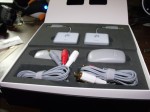
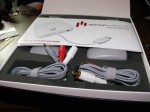
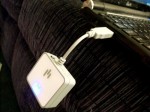
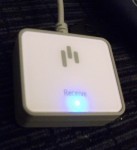
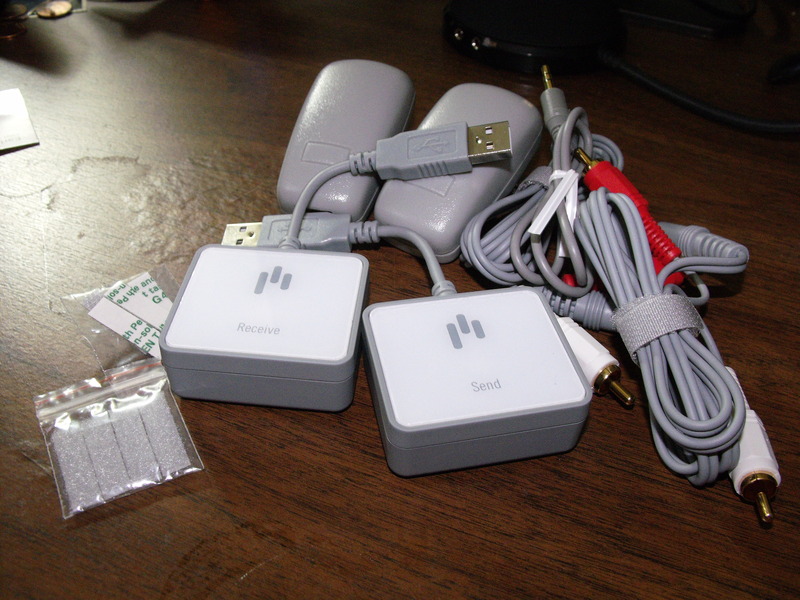
There are two main pieces that come in the Aperion Home Audio Link box. The transmitter and the receiver. The transmitter can accept input via the audio in jack from your iPod or other 1/8 inch input. You can also hook it directly to your computer via a USB port. When you do this, the transmitter acts as a normal USB audio output.
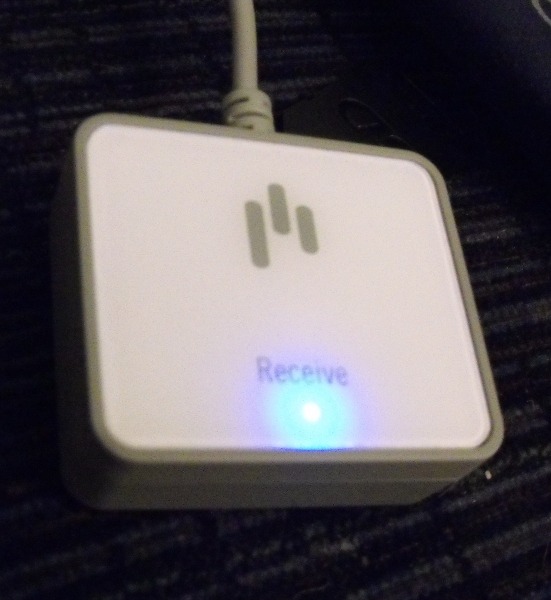
The receiver can plug into one of the two included USB power adapters. Then, you can plug in one of the included cables into the receiver, and the other end plugs into a RCA input on the back of your stereo.
Once the units are powered up, they will establish connection automatically. The link is established when the blue lights stop flashing and go solid. If they don’t connect right away, then you press the buttons on each unit at the same time to have them reattempt linking up. Fortunately, these connected every time so this wasn’t an issue for me.
Aperion also says you can use this to connect your sub woofer to your stereo with no wires. Since I use the Altec Lansing Expressionist Ultra speakers and they use a different style connector, I can’t use it to connect my sub woofer. However, if I could, it includes some velcro strips that let’s you attach the receiver to the back of the subwoofer.
You can also pick up extra receivers and send audio to multiple rooms at the same time.
How was the sound? Well, when there was no music playing, I noticed a little static on the signal. I tried this in two different locations just to make sure it wasn’t my environment at home. When music is playing, I didn’t notice the static and the audio sounded okay. It wasn’t the best I have ever heard from a wireless link, but it was okay. I also think that if you have music that has some low volume passages, you would be able to hear the static. So the sound wasn’t extraordinary like Aperion’s web site claims. It was, however, good enough for some uses making this a nifty piece of kit to have.
The Aperion Home Audio Link is available for $149 direct from Aperion. Extra receivers are $70. Aperion sent me a sample of the Home Audio Link and I am allowed to keep it.
What I liked: Simple to connect and setup. When using the USB option for the transmitter, it worked with Linux as well as Windows and Mac OS X.
What Needs Improvement: Audio quality isn’t quite there. The audio that came through sounded fine, but the static I heard when there was no signal could still be heard when the music was playing. Once this is solved, then the audio should be great.