
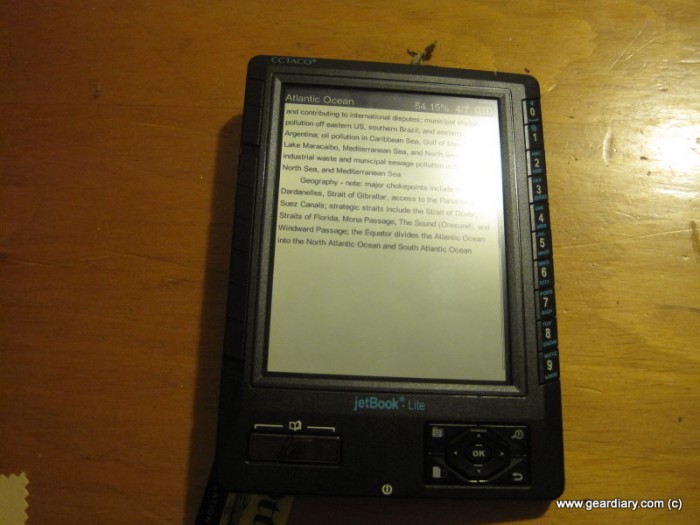
I’ve been playing with a Jetbook Lite the last few weeks, and as I put together my full review, I thought I would start with a quick overview of the hardware. There are a few features of this particular ebook reader that make it stand out in a sea of eInk devices, and they were worth showcasing separately.
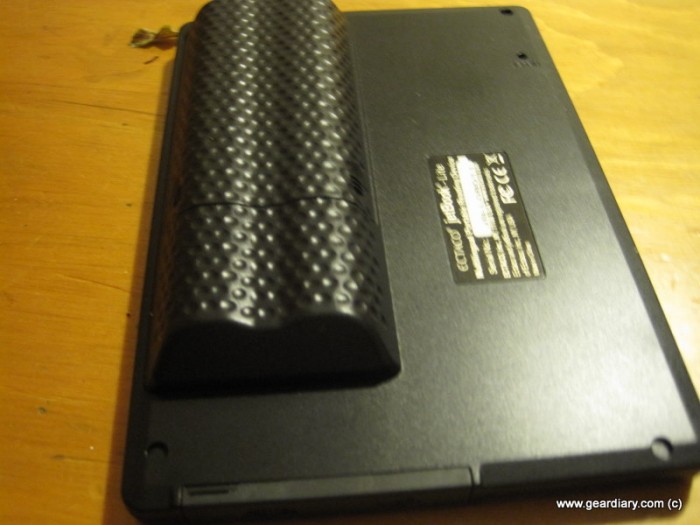
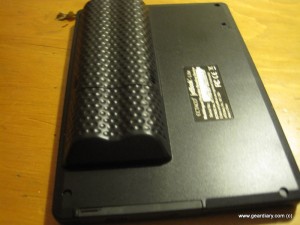
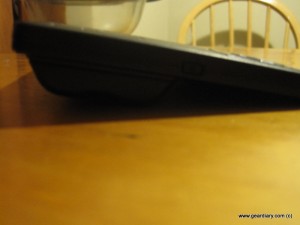
First of all, unlike most ebook readers that use built-in rechargeable batteries, the Jetbook Lite uses plain AAs. Battery life is excellent (it’s still on full bars with the initial set of batteries), and it’s nice to know if you’re traveling you don’t need to worry about a charger. The downside is that AA batteries are NOT small, and the battery hump is rather large. It makes for a decent handle if you hold it in your left hand, but that’s about the only redeeming factor. Otherwise it really messes with the ergonomics of the device.
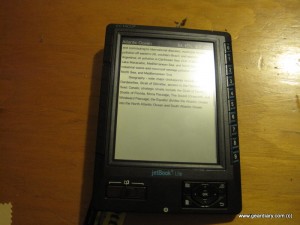
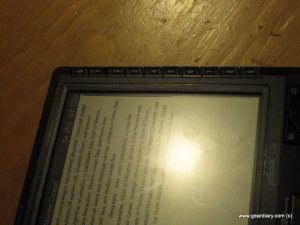
Second, most ebook readers use what’s called eInk. It is essentially electronic paper, with a slow refresh rate as the tradeoff for a readable black and white screen. Ectaco took a different approach with the Jetbook Lite, using a monochrome LCD screen instead. It looks somewhat similar to a monochrome Palm OS device. There’s no backlight, which is too bad, but the benefit is that the refresh rate is much faster. The biggest criticism of eInk is the “flash” between page turns, and as you can see in the video above, the Jetbook Lite doesn’t have that problem.
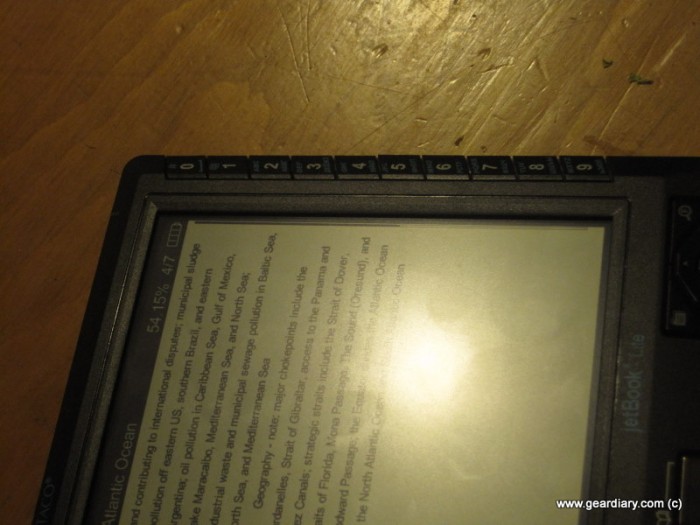
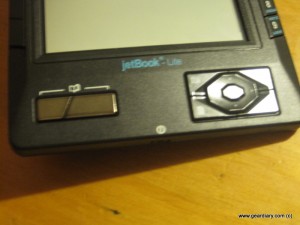
Around the edges of the Jetbook Lite are many, many buttons. There’s a whole run along the right side, which do double duty as navigation in folders as well as for T9 input (more on this in the full review). There is also a D-pad on the right lower side, with function buttons all around the outside and in the center. Finally, there are two ways to turn pages; there’s an up/down slide button and a set of page turn buttons in the left corner. I’ll go over in more detail the many ways these are used to navigate around the device when I cover the overall experience. I will give them this; while it seemed overwhelming at first, I realized quickly that everything was laid out nicely and in logical spots. All the buttons have good feedback and feel very nicely “clicky” when used.
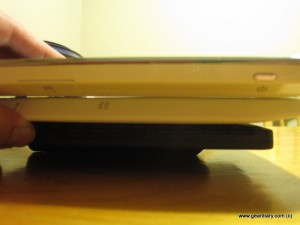
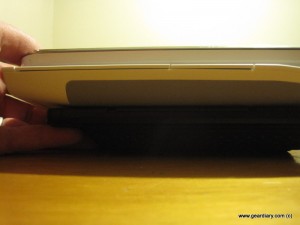
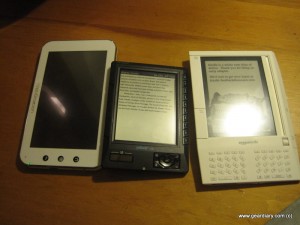
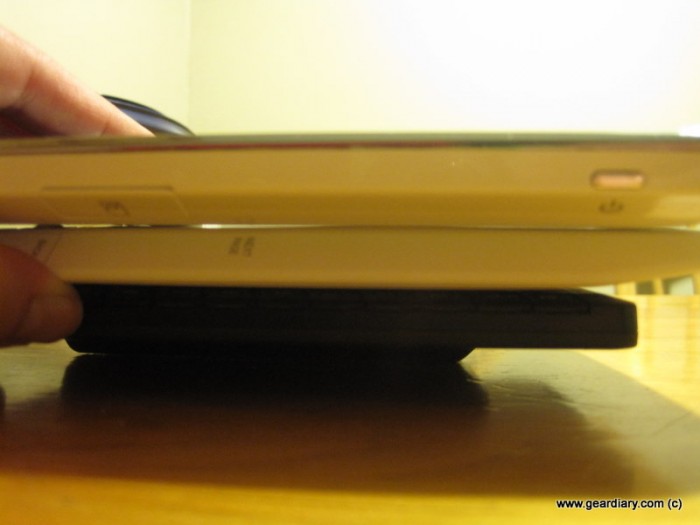 (top to bottom: Camangi Webstation, Amazon Kindle, Jetbook Lite)
That’s your brief tour of the Jetbook Lite’s hardware. Stay tuned in a few days for a full review of the reading experience! If you have any questions or anything you’d like tested on the device, leave a note in the comments!





RT @geardiary: Jetbook Lite Hardware Tour http://bit.ly/977DAT
Jetbook Lite Hardware Tour | Gear Diary: I've been playing with a Jetbook Lite the last few weeks, and as I put to… http://bit.ly/95Z7yf