Tag Archive | "Desktop Software"

Review: WinX DVD Ripper Platinum (and comparison to Free version)

WinDVDPlatinum_1

Recently I was preparing to take a business trip over a weekend for a conference, and figured it would be a nice opportunity to watch a couple of DVD’s that the rest of the family didn’t have any interest in seeing yet again – Akira Kurosawa’s ‘Ran’ and The Marx Brothers’ ‘Night at the Opera’. My assumption was that I would use the Mac program Handbrake, which has done very nicely getting video from our DVDs to our kids’ iPods for long trips.

At the same time I had the opportunity to look at WinX DVD Ripper Free Edition, and I figured: what better way than to test the two free utilities side by side. I will comment on that comparison in a bit, but wanted to focus on a more recent opportunity to try out WinX DVD Ripper Platinum, based on a version supplied to me for free by the publisher. Continue Reading

Comments (0)


Tags: , ,

Live from the Engadget Show

IMG00011-20091022-1433

While I’m stuck at home looking after my three wonderful daughters (my wife is out of town on a business trip) Dan and Wayne are in NYC at the live taping of the Engadget Show.  I’m not bitter though.

Dan reports….

So here Wayne and I are waiting for the engadget show to start. Big piece will be the Windows 7 release. Steve Balmer will be here. There is a computer on stage to manage sound. There is one on the table between where he and Josh Topolsky will sit. BOTH notebooks are…. Macs!!!!!

I wonder what Steve will have to say about that?  :)

More to follow.

Comments (0)


Tags: , ,

Why I Love Roboform

roboform passwords.jpg

One of my first favorite ‘free’ Internet programs was Claria’s “Gator”. What I naively found out later is, so far as I’m concerned, Gator essentially invented the Spyware industry.

It originally allowed you to store passwords to all your websites so that rather than remember them, you could allow it to fill them in automatically. However, over time they started pushing pop-up ads onto your computer and started overwriting Google search results. Eventually people found out about the adware but the product itself actually worked until Gator was shut down in 2006. In came RoboForm which has nothing to do with adware and instead offers a great password keeper program. I’ve been using it ever since and love it. Here’s why. Continue Reading

Comments (0)


Tags: , ,

Evernote Beta for Android Available

android_evernote_main

Users have been able to use Evernote, but only via the mobile interface. Evernote has released a beta version for Android smartphones.

Continue Reading

Comments (2)


Tags: , , , ,

FileMaker Releases Bento 3 for Mac

Bento 3 Release

I have used database programs for quite a while to keep track of things like my music collection and favorite wines.  Sure, I could do that with a spreadsheet, but having the data organized in a database makes it easy to sort and view records. I’m relatively new to Bento, just picking it up with version 2, but found it very easy to learn and use. This week, FileMaker released Bento 3, a major update to their user-friendly database software for the Mac.

Bento 3 offers a number of new and improved features, which are largely directed toward incorporating graphics better and adding security options, including:

• iPhoto integration

• Grid View – view any library in the new Grid view to show a grid of images or thumbnail views of your forms

• Related data field – now with image thumbnails

• File List – now with image thumbnails

• Table view with media cell

• Simple list field type – add a freeform table to your forms for quick list tracking

• Library Folders – save space in your Libraries pane by grouping like libraries in a single folder

• Library Icons

• Image box – add a static image, such as a team logo, to any of your forms

• New security options

• Multi-user sharing – share your Bento libraries with up to 5 other Bento users on your local area network

• Group emailing – send one email to multiple recipients through Apple Mail with a few clicks

• Improved Theme Chooser

• New option to print blank forms

• Print a blank version of any form, great for surveys and sign up lists

• New option to copy forms within a library and between collections

• 10 new pre-designed templates

In addition, FileMaker released an update to their iPhone app this week to improve compatibility with the Bento 3 desktop software.

Bento 3 is available for $49.00 from FileMaker’s website.  For existing Bento users, FileMaker is offering an instant upgrade rebate of $20 (offer expires January 28, 2010).

Comments (0)


Tags: , , , ,

Evernote Blog Goes Thematic

Evernote

The Evernote Blog is a great way to keep up with the latest Evernote news while also learning new tips and tricks for using the service that looks to become “your external brain”. Now they have come up with a new way to help Evernote become even more indispensable than ever – Theme-based months. That’s right, each month the Evernote Blog will focus on one specific area and how the service can be used to keep life a bit more organized. First up??? A treat for all you foodies out there.  As they explain…

Welcome to Food Month

And so begins Evernote’s Food Month, our exploration of all the many ways gastronomy and Evernote intersect. Throughout October, we will bring you user stories, videos, tips, community projects, giveaways, and tons of other great stuff all around the topic of food and Evernote.

We’re really excited about our first Food Month activity: seasonal recipe cooking class. We’ve enlisted the help of Laurine Wickett, chef and owner of Left Coast Catering (and Top Chef contestant) to use Evernote to put a new twist on your favorite seasonal recipes.

So jump on over to the Evernote Blog and learn some new tricks for using this amazing productivity tool.

Comments (0)


Tags: , ,

Is Evernote 3.5 Beta Currently NEVERnote?

Support Overview | Evernote Corporation-2.jpg

I know rollouts can be challenging. I mean, just look at how nervous AT&T was prior to the much-delayed MMS launch yesterday. Well, it looks like Evernote’s rollout of the 3.5 Beta desktop client for Windows has been causing the company, and some of their most hardcore users, some grief.

Turns out my timing was “perfect”. The Fujitsu P1630 came yesterday and I set out to put my “must-have” applications on it. Firefox- check. Skype- check. Dragon- Check. TimesReader- check. Evernote- UH OH! Continue Reading

Comments (0)


Tags: ,

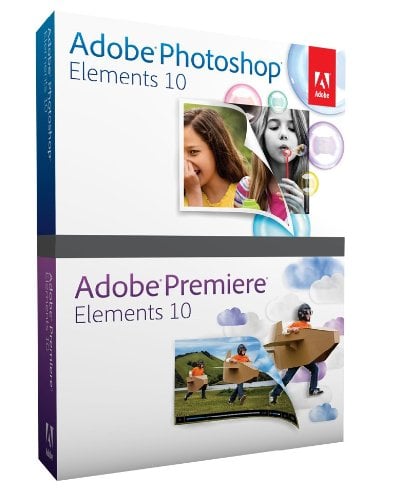
Adobe Releases Photoshop and Premiere Elements 8

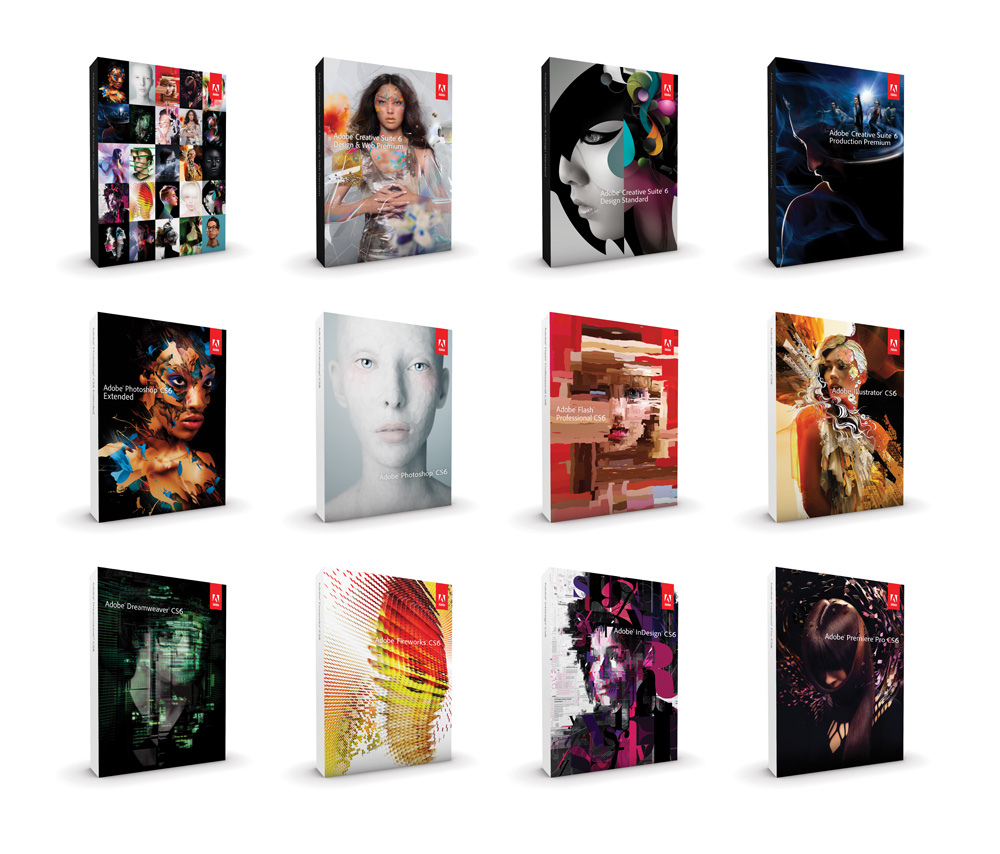
I have long been a fan of Adobe’s photo editing (Photoshop) and video editing (Premiere) software.  I have been fortunate, here at Gear Diary, to be able to review several incarnations of these fantastic programs.  Now, adobe has announced the release of the Photoshop/Premiere Elements Bundle 8.

There are a host of new features in this one, including:

PHOTOSHOP

  • – The new Auto-Analyzer, which automatically analyzes and tags the most interesting and highest-quality photos and video footage.
  • – People Recognition, which identifies people in photos, becoming more intelligent over time, as it learns to associate names and people.
  • Full-screen previews, which  displays photos and video clips in the slideshow mode directly in the Organizer.
  • Photomerge Exposure creates a perfectly lit photo that shows every detail by combining multiple shots of the same scene – with or without a flash – in just a few simple clicks.
  • Recompose (which uses the professional level Photoshop CS4 technology) provides users with an easy way to automatically resize photos without distorting the most important parts.
  • PREMIERE
  • Smart Fix ensures that every clip looks its best by automatically fixing shaky footage and color and lighting problems.
  • – Smart Trim identifies and helps get rid of the least interesting, lowest quality footage.
  • – Smart Mix seamlessly balances audio elements to give videos professional-quality sound throughout.
  • – Motion-tracking capabilities give users the power to add graphics, text and effects – such as thought bubbles and motion blur – that will automatically follow a subject within a scene.

These programs are sold as a bundle for $149.99 or individually for $99.99 each.  There is also a Mac version of Photoshop which will be available in the coming weeks for $99.99.  All of the programs are available from www.adobe.com.

Comments (0)


Tags: ,

Evernote 3.5 for Windows Public Beta Now Available

(PNG Image, 1165x753 pixels).jpg

A beta of Evernote’s Windows application version 3.5 is now available to the public. It is a huge update and the first for the Windows application in quite some time.

The new version offers an interface quite similar to the Mac desktop. It will display thumbnails and three different formats for viewing notebooks. Best of all it is fully compatible with Windows 7 and [offers even better support for] supports inking if you have a Tablet PC. (Wow, good timing seeing as my Fujitsu P1630 is almost here!). In fact, the inked notes are fully searchable.

It is available HERE.

A screenshot, details and further instructions for installing the Beta follow… Continue Reading

Comments (1)


Tags: , , ,

Evernote Updates Mac Client Once Again

Evenote

Another month, another Evernote update. Not that we are complaining.

Those of us who use Evernote as our “catch everything and put it just a few key taps away” can’t help but appreciate the regular updates the company releases for all its native applications. Today the update makes Evernote’s Mac client fully compatible with Snow Leopard. iSight notes now work as they should (they are an awesome way to quickly grab a shot of a receipt or physical note) and the Safari clipper works properly once again.

Perhaps best of all, this update removes one of my biggest pet peeves with Evernote. Until now, if the Evernote window was closed it wasn’t always easy to open a new window. Now all you need to do in order to open a new window is click the icon. Small change? Yup. But each incremental change makes the application better and better.

Comments (0)


Tags: , ,

Postbox Mail For Mac and Windows Reaches Version 1

Firefox.png

It is always nice when you see an application you have used in Beta reaches a Version 1 release. Such is the case with Postbox.

The cross-platform works with Windows and OSx and promises…

Faster, Smarter, and More Organized, Postbox is a Better Way to Manage Email.

It offers some great features including: powerful, flexible search, various content views so your email has the look and ease you prefer, better, more flexible organization, ToDo Tagging and more.

Based on Mozilla’s technology Postbox is indeed impressive. One is, however, left to wonder if these features justify spending $39.95 for a single seat or a tad less than a whopping $60 for a family pack when Mac Mail and Gmail are free.

You can learn more HERE.

Comments (0)


Tags: , , , ,

Pandora One Adobe Air App Gets Updated

Pandora

After much deliberation between getting a subscription to Pandora or to Slacker Radio I opted for Pandora. In the end, Pandora just felt like a better fit.

Among the things I like about Pandora is the desktop app they offer. It is small, unobtrusive and works well. AND, it just got pumped to version 2.0.

Continue Reading

Comments (0)


Tags: , ,

Resource: Snow Leopard Software Compatibility List

leopard

Getting ready to upgrade to Snow Leopard and wondering if which of your installed applications will work?

Check out this awesome Wiki page that’s been steadily growing over the past few days.

The page lists various software titles and whether they are compatible, not compatible or unconfirmed.

The list is constantly being updated by users and is a great resource if you want to check out what state you’ll find your system in after you complete the upgrade.

Comments (1)


Tags: , ,

Review: SplashID 5.0 for Desktop

SplashID logo 3

SplashData has been creating software for the mobile market since 2000.  Over the past 9 years, their products have expanded from the Palm OS to also include RIM, Windows Mobile, Series 60, and iPhone/iPod Touch handhelds.  SplashID, a secure wallet / password protection program, was one of their earliest offerings and continues to be a strong part of their product line. Gear Diary has taken a look at SplashID a few times in the past.  You can read our earlier comments here and here, and Doug recently looked at SplashID for the Palm Pre.
I’ve used SplashID for a number of years because I could use the same program for my Windows Mobile handheld, my Palm handheld (when I still regularly used one), and now my iPhone. I’ve also always liked that SplashID allows you to import databases from several other secure wallet programs, making it easy to switch to SplashID without painful, time consuming database editing.  SplashData recently released a major update to SplashID and offered Gear Diary a chance to evaluate the desktop version.

Comments (0)


Tags: , ,

Evernote’s iPhone App Just Keeps Getting Better

Evernote

Evernote’s iPhone app just keeps getting better and better. Each step is incremental, but they add up to an app that started out good but is now fantastic!

This time around the speed has been improved, they made it simple to add your Evernote email address to contacts (not that it was difficult before) and they made grabbing a snapshot far speedier.  Are the speed improvements noticeable? In my testing this morning…yup!

Now if Evernote would just make it possible to edit ALL notes on the iPhone instead of just some…

More information on Evernote’s site.

Comments (0)


Tags: , ,
Gear Diary


Click here to follow Gear Diary on Twitter Download the FREE Gear Diary dashboard widget by clicking here Click here to download the FREE Gear Diary iPhone App Click here to get a free 14 day subscription to Gear Diary delivered wirelessly to your Kindle!


    • Click here to keep up with our contests!

    • ProClips for every application

    • Alltop, all the top stories

    • MBA Member