Tag Archive | "eReaders"

Kindle for Mac Now Available!

Looks like Amazon is whipping through their to-do list quickly! Hot on the heels of Kindle for Blackberry comes Kindle for Mac! This means you can now read Kindle books on your PC, Mac, Blackberry, iPhone or iPod Touch. Presumably an iPad version is coming soon too, as Amazon lists it in the press release. And if you’re like me and never upgraded from Mac OS 10.4, this should be a big kick in the pants, as it’s only for 10.5 and up.

Now that you’ve pumped out a mac version, Amazon, let’s get talking about Kindle for Android, ok?

Grab Kindle for Mac here, and check out the official press release below.

Continue Reading

Comments (3)


Tags: , ,

Review: JAVOedge Cherry Blossom and Cork Nook Cases!

Now that the Nook has been around for a little while, some really great cases have started coming out to protect it in style.  When I saw the new lines of cases coming out from JAVOedge, I was immediately intrigued and couldn’t wait to get my hands on them!  Judie’s recent review of the new Croc cases for Kindle 2 only made me more eager to review the Nook cases.

JAVOedge was kind enough to send me two cases from their Cherry Blossom Collection to review and keep for my Nook–the Flip Style Case in Twilight Purple, and the Book Style Case in Cocoa–as well as a surprise…a Flip Style Case in Cork! Continue Reading

Comments (6)


Tags: , ,

iBooks Can Read ePUBs, But Does Your Library Qualify?

Apple’s iPad page yesterday snuck in some new information about iBooks; specifically, that you won’t be totally limited to books purchased through Apple. Specifically, Apple says:

Grow your library.

You’ll find lots of books on the iBookstore, and more arrive every day. The iBooks app uses the ePub format — the most popular open book format in the world. That makes it easy for publishers to create iBooks versions of your favorite reads. And you can add free ePub titles to iTunes and sync them to the iBooks app on your iPad.

This is where we’re going to start getting into semantics. Technically, it doesn’t have to be a free book in that no money was exchanged. Rather, it needs to be free of digital rights management, as iBooks is not compatible with anyone else’s DRM setup. This means you can load up your Feedbooks, Manybooks, and Smashwords books without a problem, but anything purchased from B&N, Sony or Kobo will not work.

Continue Reading

Comments (4)


Tags: , ,

Kindles for Kandahar Project

We all talk about how great it is to carry an electronic book reader. It saves space in bags, gives you new books at your fingertips, and tends to be lighter and more ergonomic than a regular book. I can’t think of a group who need to pack light and have new content to entertain themselves more than soldiers stationed overseas, and now you can help outfit soldiers with Kindles!

Len Edgerly is spearheading a donation campaign he calls “Kindles for Kandahar”; he wants to raise funds via PayPal to outfit as many soldiers as possible with Kindle 2s. It started after M-Edge outfitted a soldier with a K2 and accessories; the hope is that M-Edge will donate accessories for each Kindle purchased for soldiers. From Len Edgerly’s site:

Continue Reading

Comments (1)


Tags: , , ,

Is The Alex Reader DOA?

Oh the Alex Reader. It has so much promise: nice big eInk screen with a full android experience on the LCD screen. Reports have been very positive, and everyone who has seen one loves it. But hardly anyone has seen one…because Spring Design has been very silent about shipping. The ebook market is very, very crowded these days, and all eyes are turned to the iPad. But it’s more than just the iPad that could kill the Alex Reader…

1) Partnering with Borders: While it had some funny potential to partner with Barnes and Noble’s nemesis, Spring Design hitched their star to a burning building. Not only did Borders lay off enough employees that the day became known as “Black Thursday“, but they also eliminated the training supervisor position. So on less staff and no one taking point on training, Borders employees are going to do a bang up job selling the Alex Reader?!

Continue Reading

Comments (1)


Tags: ,

Dear Gear Diary…

This entry is part 14 of 14 in the series Dear Gear Diary

Palm TX
Creative Commons License photo credit: poketmonster [rafa]

Judie: Welcome to the newest installment of Dear Gear Diary, where several members of the team chime in when Dave asks for advice on what he should replace his dying Palm TX with, and Carly tells Carlos how he can make his Camangi look better with tips that will work on just about any Android device.

And without further ado …

Dear Gear Diary,

My old Palm TX is dying and I am looking for something to replace it. If it could also replace my phone, that would be a bonus, but I’d be willing to look at MIDs or PMPs.

I am looking for something with a robust calendar and to do list (like DateBk6).

Something that can set audible alarms for appointments and tasks (like Palm)

Something that can sync the calendar to Google (like GooSync).

Something that can manage lists (like HandyShopper).

Something that will function when it’s not connected (because there are spots where I work with no reception, depending on the carrier).

And something I can carry in my shirt pocket (not much more than 3×5×0.5 and 8 ounces)

If you were looking for PDA functionality in a small device, what would you recommend? And if the answer is a Palm phone, what would be your second choice
(since Palm, once again, seems about to go under).

Thanks,

Dave

Continue Reading

Comments (1)


Tags: , , , , , , , ,

eInk, LCD, Paper Smackdown: The Results Show

As you may recall, I threw down the gauntlet and vowed to engage paper, e-ink and LCD in a battle to the end. It has been tough, but I’ve forced myself to carve out time to read three books from my favorite author, all in the name of this review. Hopefully you all appreciate the sacrifices I made. ;)

To review, here were the ground rules:

Readability:
• How long can I read comfortably without my eyes needing a break?
• Are the font and margins acceptable for reading?
• Is it formatted correctly and without error?

Navigation:
• Are footnotes and other navigational items easy to locate?
• Is bookmarking easy?
• Can I easily locate and use the table of contents?

Ergonomics:
•Can I comfortably hold the book/device for a long period?
• Are page turns fast and easy?

So all in, there are 8 main scoring areas. There are three “bonus rounds” from some suggestions made by Doug in the original post, but I will cover those after.

Continue Reading

Comments (1)


Tags: , , , ,

Gear Deal: Jetbook Lite for $115.00!

image

(Image courtesy Newegg)

Looking for a simple, cheap ebook reader? If you can live without wireless and a 5 inch screen is your sweet spot, check out the Jetbook Lite at Newegg!

The Jetbook Lite is unusual for more than just price; unlike the Kindle, Sony Readers, nook, etc., the JBL uses an LCD screen. Therefore it offers a much faster refresh rate, with similar levels of readability.

Best of all, the Jetbook Lite supports eReader DRM, so your ebook library from your old Palm OS days can live on!

Judie reviewed the Jetbook Lite’s big brother the Jetbook last year, so if you are looking for a general overview of what to expect, check out her thoughts here.

Via Mobileread

Comments (2)


Tags: , ,

I Want to Read eBooks When I Grow Up!


(image courtesy Kidsbabydesign)

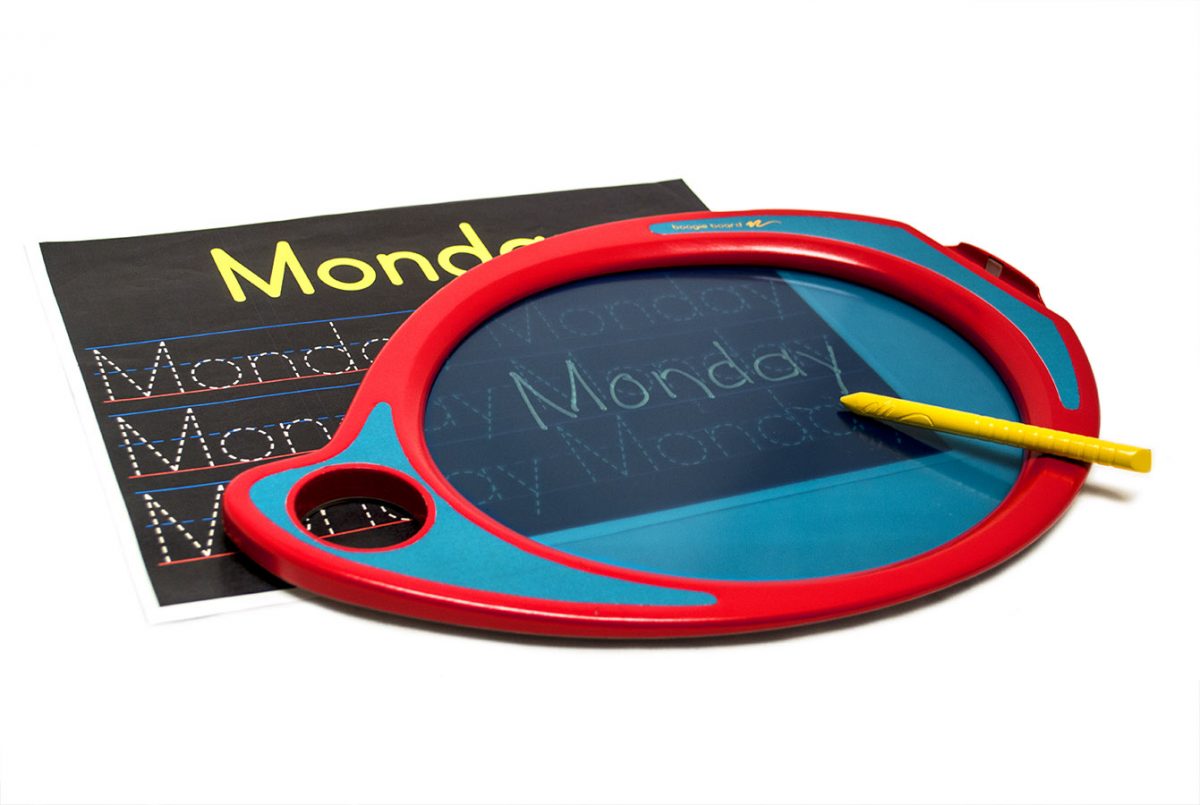
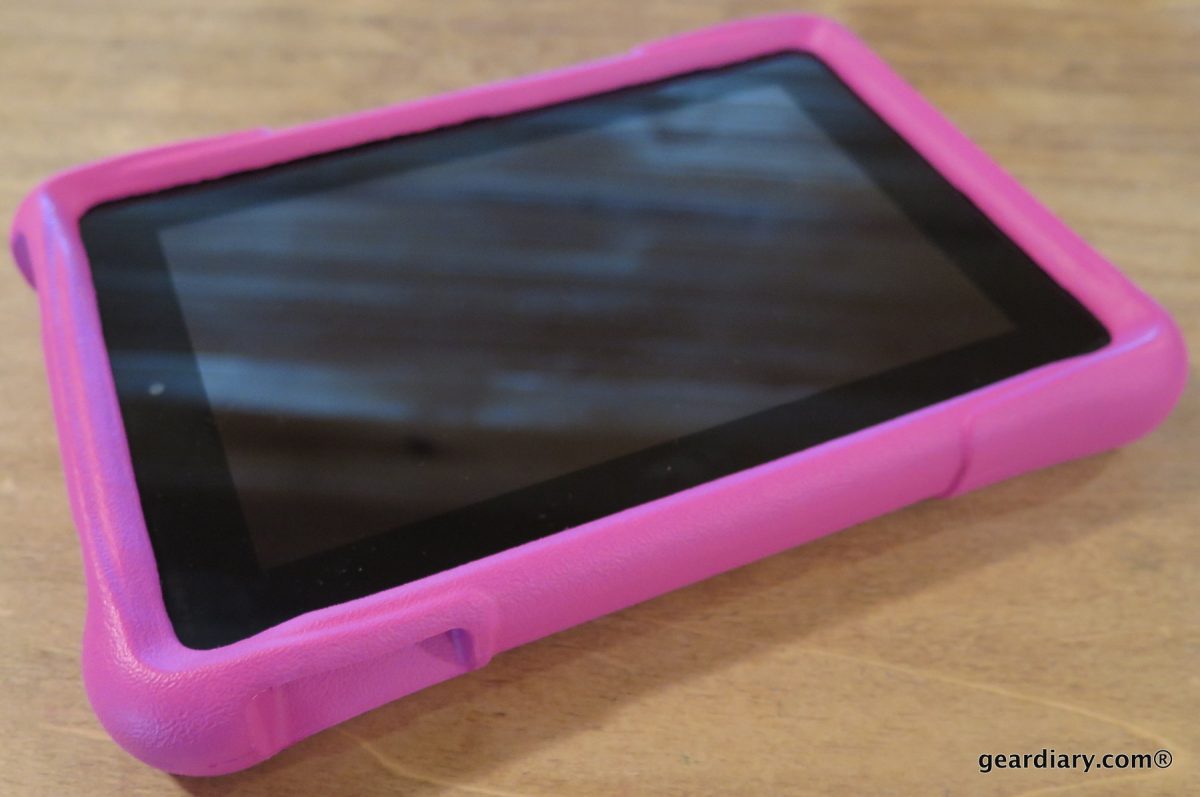
Kids! Tired of having to carry a stack of books with you? Think Mom or Dad’s Kindle is boring, but still want to be just like them? Now’s your chance, with not one but two ebook readers available to you!


(image courtesy Engadget)

First up, we’ve got the Fisher Price iXL. Yes, we stuck the “i” designation in there to help further the illusion this is as cool as an Apple product. Look, we’re even using an icon-based menu screen! And we have ebooks! Plus, what 3 year old doesn’t need to learn how to use a stylus? Play games, read ebooks, listen to music, avoid your chores because you’re busy playing games, just like a grown-up! (via Engadget)

Continue Reading

Comments (5)


Tags: , ,

Amazon Mulling A Free Kindle For Prime Subscribers?

image

Techcrunch is reporting that Amazon is thinking of offering up a free Kindle 2 to subscribers of their Prime service. Apparently spending $80/year can be a bigger savings than just shipping!

As Techcrunch points out, this does make sense. Amazon is targeting their best customers, and what better way to insure loyalty ahead of the iPad than by tying them closer to the Kindle store? The big snag is how to not lose money on this promotion.

A few ideas Amazon could consider:
-Require a certain number of books be purchased within the first year. Nothing crazy, but say 10 books. That would cut the bill for Amazon considerably, and spreads the “cost” for Prime subscribers across several months.
-Offer a partial discount to Prime users. A $99.00 Kindle for Prime members would blow out sales of both Prime and Kindles like crazy.
-Instead of a discount on the Kindle, what about a book discount? This could be a super sneaky way to drive prices back to $9.99; the list price could be reduced by a few dollars for Prime members, to emulate the “shipping savings” Prime offers on physical goods. Since there’s no delivery charge for an ebook, offer a small price reduction!

I think any of these are viable options; the important part is to get Kindles into the hands of people who already spend like crazy at Amazon. What would give you incentive to use Prime and the Kindle? Share below!

Via Techcrunch

Comments (8)


Tags: , ,

Scribd Coming Soon to a Kindle Near You!

A few days ago I told you about several alternative sources for eBooks on your Kindle (or nook, or Sony Reader, etc.) Well, the Wall Street Journal is reporting that soon you can add Scribd to that list too!

Scribd is very similar to Feedbooks and Smashwords, but with a focus on the social/sharing aspect. You can upload any kind of document and post it for public consumption. From their website:

Scribd is the largest social publishing company in the world, the Website where tens of millions of people each month publish and discover original writings and documents. On Scribd, you can quickly and easily turn nearly any file—including PDF, Word, PowerPoint and Excel—into a Web document and share it with the world.

* Create a profile – share your work, manage documents, create reading lists, rate and more
* Publish instantly – upload your college thesis, presentation or screenplay and immediately share with others
* Build a community – subscribe to people, publishers and companies with similar interests
* Discover new works – browse interesting content in creative writing, children’s books, puzzles & games and more

Within the next month, Scribd is looking to add a “send to Kindle/nook/iPhone/other mobile device” button. Not only is their content going to be compatible with multiple formats, but it sounds like they will be leveraging smartphones and connected ebook readers to wirelessly transfer the data. This could be huge for the education and corporate markets. Being able to upload a presentation or article to Scribd, and then have anyone who needs it be able to send to their device of choice in their format of choice takes the headache out of emailing a file that may not be readable by everyone. It might actually help ebook readers and tablet devices break into universities; if they do not need to support converting files into compatible formats and can offload the work to Scribd, it makes it that much easier to mandate use of electronic materials.

Of course, all this is at least a month away, but it still bodes well for ebooks (and e-docs, etc). Do you use Scribd? Would you use it (or use it more) if you could easily send content to your favorite device? Share below!

Via Wall Street Journal (membership may be required)

Comments (21)


Tags: , ,

Amazon Hangs a “Help Wanted” Sign

Amazon is hiring…and it looks like the über-Kindle might be coming! The NY Times Bits Blog are either combing Amazon’s job listings or looking to jump from the Grey Lady before all newspapers are swallowed by the iPad. In either case, they spotted a few interesting listings [Note: Listings may not be entirely accurate. For the true job listings, click here.]

One engineer with LCD experience. Do we mean color LCD experience? You won’t find out until you get here. If we make it clear in the listing, then everyone will know. We’re already under pressure from a certain fruit company, and half the tech world thinks our flagship product is DOA, and the other half is expecting us to come out swinging. We like to keep the mystery alive. Must be comfortable working for a vaguely sinister division called “Lab126″.

One engineer with experience in WiFi, 3G connections, and other wireless protocols. Possibly telepathy. Must be comfortable with experimental features like “beaming” books directly into readers brains. We’re 80% sure that won’t be challenged by the publishers as a threat to audiobooks, but must be prepared to make arbitrary changes at their request if necessary.

In all seriousness, I’ve said for a while that a color Kindle is a likely next step. It fits with the SDK they’ve released, the TouchCo acquisition, and of course the looming threat of the iPad. The only disappointment I have in this is that if they’re first hiring for many of these positions, we won’t be seeing a Kindle Color for quite a while.

As far as the Bits Blog suggestion that Amazon should go Android, well, I disagree. The Kindle is already based on Linux, and the major features are already developed. Why go through the trouble of locking down Android (to block some of the wireless features, to avoid competing book programs, etc), when they can just add to the existing software what they need.

Via Bits Blog

Comments (3)


Tags: , , , ,

Bookeen Cybook Gen 3 Review

The Cybook Gen 3 is a few years old (it was released in 2007), but about six months ago it received an update allowing it to read Adobe ePUB files, giving it new relevance in an increasingly ePUB focused ebook world. Thomas sent me his Cybook to update with the new firmware and review, so let’s take a look! Does it stand up well against my Kindle? Is the Cybook worth the $350 Bookeen lists it for? Read on and find out!

Continue Reading

Comments (5)


Tags: , ,

Barnes and Noble Desktop eReader: Update, or Downgrade?

I’m one of those odd weirdos who reads his eBooks not on a Nook, or a Kindle, or on the desktop, but on my handheld.  I first started reading eBooks with my (late lamented) Tapwave Zodiac, and have subsequently read them on an HTC Universal and now on my iPhone.  So I haven’t exactly kept up with what’s happening in various desktop reader software.  (Carly keeps y’all updated on advances in the eBook reader device arena.)

Continue Reading

Comments (2)


Tags: , ,

Amazon Kindle: Millions and Millions Served

image

Amazon has great reasons to brag this morning. They had absolutely stellar earnings, reason alone to be proud. But CEO Jeff Bezos let another reason slip: apparently “millions of people own Kindles”! Take that, Barnes and Noble!

TechCrunch hit up their sources for more details, and found out the exact amount is somewhere around 3 million Kindles sold. In addition, Amazon says they sell 6 Kindle versions for every 10 paper versions of a given book. And that does NOT include freebie books!

What does this mean? Well, for starters, it means Amazon is in a far better position to fend off the iBook army versus, say, Barnes and Noble. If Kindle owners are reading that much, it means they have a pretty big library. They are far more likely to use the Kindle for iPad app over iBooks, simply because they already have a high investment in Amazon’s ecosystem. I also think this makes Amazon LESS likely to hurry any switch to ePUB…people don’t mind buying into a closed format, and Amazon isn’t going to make it easy to walk away.

Plus, with a base of a few million readers, Amazon has more bargaining power than Apple right now; according to Engadget, even the power of Steve Jobs couldn’t get Apple to pricing parity with Amazon!

Via teleread

Comments (3)


Tags: , ,
Gear Diary

Click here to follow Gear Diary on Twitter Download the FREE Gear Diary dashboard widget by clicking here Click here to get a free 14 day subscription to Gear Diary delivered wirelessly to your Kindle! Click here join the Gear Diary Fan Page on Facebook


    • Click here to keep up with our contests!

    • ProClips for every application

    • Alltop, all the top stories

    • MBA Member