Tag Archive | "Fujitsu"

Looking For A New PC? Here’s An Idea… Go Refurb

8E34E12E-E2E1-4603-901C-E915BEFD374F.jpg

I’m cross-platform in my smartphone use and… later today… I will be cross-platform in my notebook use too.

Here’s why…

I do a good deal of writing using voice recognition, in fact the ability to use Jott and Vlingo to respond to individual emails by voice was a big reason I began using a Blackberry. I find it fast and convenient. In addition, I struggle with Rheumatoid Arthritis, and on bad days the pain in my hands and wrists can become a big problem. Using voice recognition to write a first draft of something and then manually clean it up saves a lot of wear and tear on already aching/painful joints.

As much as MacSpeech 1.5 is an improvement over the original version, thanks to the decision to begin using the Dragon NaturallySpeaking’s voice recognition engine, it still falls far behind Dragon’s Version 10 Windows software. This has been a particularly rough few weeks, and I have been relying more on speech recognition than usual; MacSpeech just wasn’t cutting it.

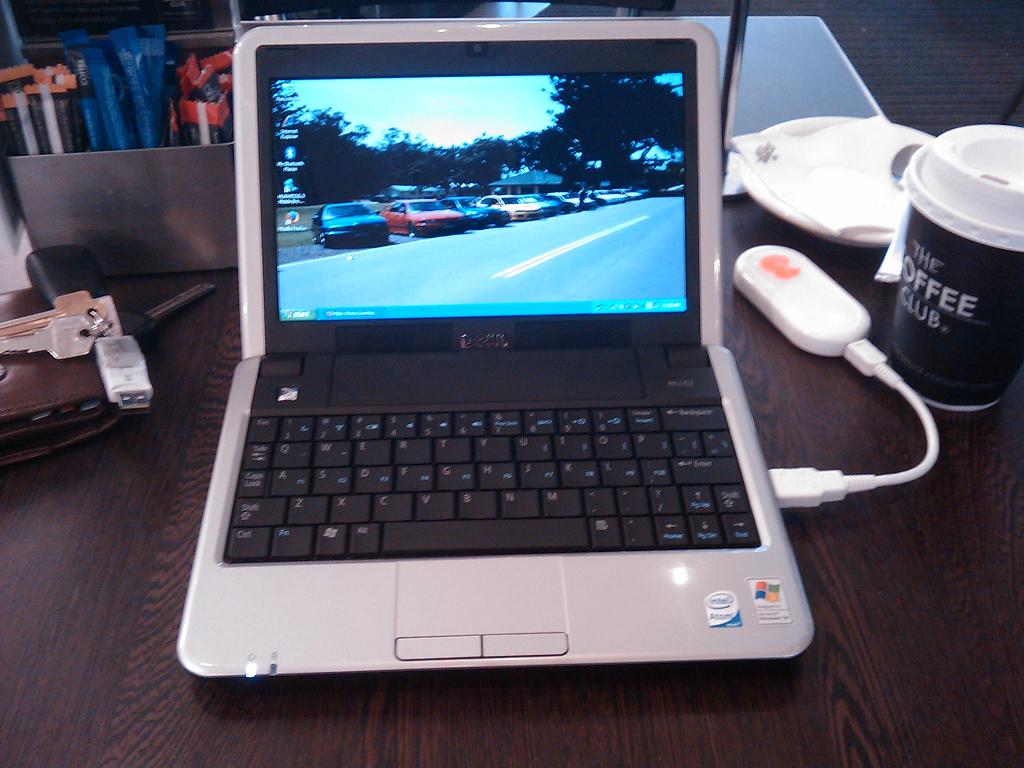
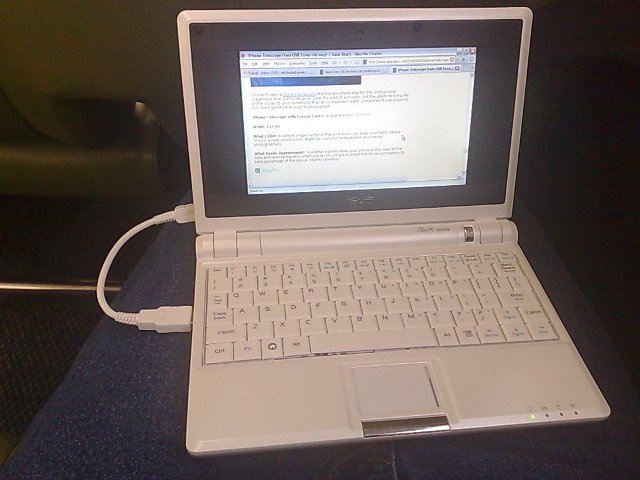
That got me looking for a small, light, portable Windows machine that would, primarily, be used for writing and for responding to email by voice. So began my search. Little did I know it would bring me back to the current version of one of my favorite Tablet PCs. Continue Reading

Comments (1)


Tags: , , , ,

Fujitsu announces World’s First In-Car High Definition Network

fujitsu_hd

Fujitsu Micro has just introduced the world’s first 1394 Automotive controller that transmits high-definition video over the 1394 in-vehicle multimedia network.

Continue Reading

Comments (0)


Tags: , ,

New Devices On The Review Bench!

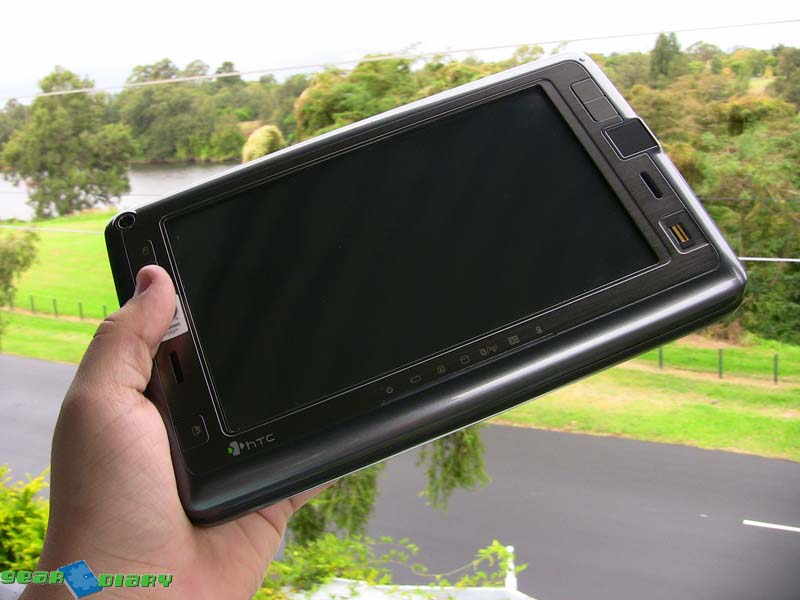
Hot on the heels of the Treo Pro review, and the upcoming BlackBerry Bold review, two new devices showed up today, the HTC Touch Pro and the Fujitsu T5010!

Quick Impressions of the HTC Touch Pro

I was quite a fan of the display on the Touch Diamond, but it pretty much went downhill from there. The Touch Pro has the same excellent display, but chunks it up a bit with a nice slideout thumboard to aid text entry. It’s a lot easier to type up emails and text messages on the Touch Pro, and it’s nice to see a dedicated number row squeezed into it as well.

Too early to comment on the battery life or performance, that will have to wait for the review!

Quick Impressions of the Fujitsu T5010

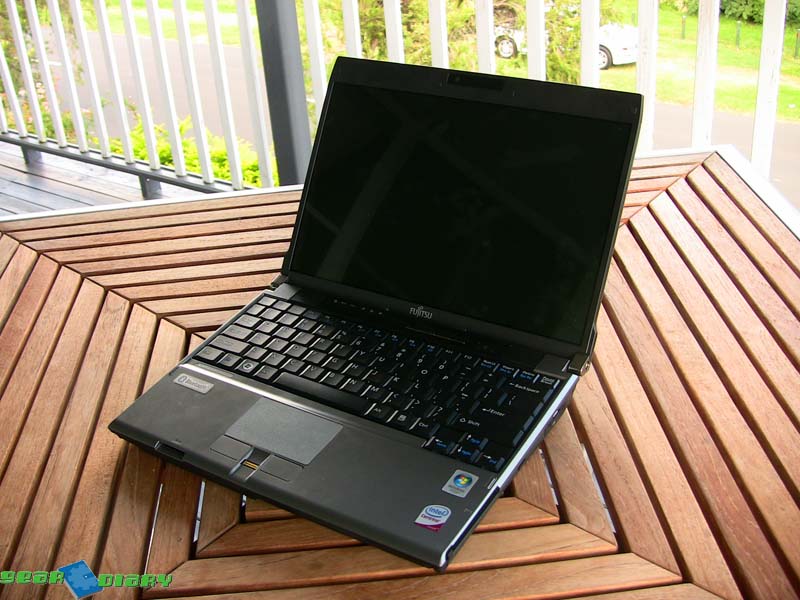
I haven’t used a lot of Tablet PCs before, but I can safely say this is the largest. I’m not sure how I feel about that, but I’m sure to find out tomorrow on the train and at uni. Instant likes are the bright display, and the super fast Centrino 2 Core 2 Duo 2.4Ghz CPU. This thing would run rings around my aging MacBook Pro!

I really like the use of a Wacom digitiser on this unit, makes the Tablet PC functions even better to use. Vista really does the whole Tablet thing well, much better than XP. The keyboard is excellent, with good feel and sizing. In fact this blurb was typed on it.

Continue Reading

Comments (6)


Tags: , , , ,

Getting Integrated: Fujitsu’s P8010 with 3G

I am a huge fan of mobile broadband. Since getting on the bandwagon last year, I can’t imagine not having my datacard with me to get online for work, uni or general surfing when out. I started out using my phone tethered via either Bluetooth or USB, which worked ok but wasn’t overly fast, was slightly unreliable and when using Bluetooth resulted in a dead battery after about 90mins.

More recently I switched to using a Novatel Merlin XU870 HSDPA datacard which is fabulous. Uber fast connections at the coffee shop, on the train, or (when the cable is out) at home. It’s also handy to be able to just open up my laptop, slide in the card and get online almost instantly, instead of having to mess around with my phone.

For convenience however, this can be bested by having an internal mobile broadband modem, or WWAN. Instead of using a card, just insert the SIM into a slot in the laptop, and you have instant, high-speed data access wherever you’ve got coverage. I’ve enjoyed such functionality on the HTC Shift and Fujitsu U1010, and for the first time I’m enjoying it on the more usual laptop form factor, in the shape of the Fujitsu P8010.

I’ve reviewed this laptop before, and apart from a few nigly little build issues, I liked it very much. Now they have installed a speedy HSDPA radio, I like it even more!

My carrier of choice for data, Three (based on price, not coverage unfortunately), has a very fast network in city areas, and as such is good for testing this thing out. As soon as I booted up the P8010 with my SIM inserted, the HSDPA management software locked onto the network with two out of five bars showing. Unfortunately I get poor signal at my house, but 2/5 is better than my Novatel card gets most of the time. It didn’t seem to affect the speed much either, with a simply astonishing test speed of over 2.1Mbit/s!

Surfing out at the coffee shop is an absolute pleasure, as is typing on the comfortable and sturdy keyboard. The screen still flexes when opened, which is a shame, but it is clear and bright in all maners of lighting, and is virtually unreadable from any angle other than dead on, which I suppose is a plus for those who value their privacy.

I unfortunately was only able to hold onto it for a week, since other reviewers were hungry to get their hands on it (and I was one of the first to receive it), and I am going to miss the instant internet hit offered by the built-in HSDPA. The convenience of not having to tote an HSDPA card around means all you need is the laptop in a sleeve, and a fiver to buy a coffee, and you can get some work done ;)

Comments Off


Tags: , , ,

The Fujitsu U1010 Running Windows XP Tablet

Last night I decided to take another look in the box that the U1010 came in, just to see if there were any goodies I was missing out on. Unlike the Shift the U1010 came with reinstall DVDs, as opposed to having a backup partition. I like the way the Shift can completely reload itself without any outside help, but having DVDs is a good idea too.

Anyway, in the box I found install DVDs for both Vista Business (which came preloaded) and Windows XP Tablet Edition. Now the performance on the U1010 has been fine on Vista, but I was curious to see just how much slower Vista was than XP on the relatively slow processor.

Continue Reading

Comments (12)


Tags: , , ,

Fujitsu U1010 First Impressions – In Ink!

Continue Reading

Comments (6)


Tags: ,

A Competitor Has Arrived…

Comments (4)


Tags: , , ,

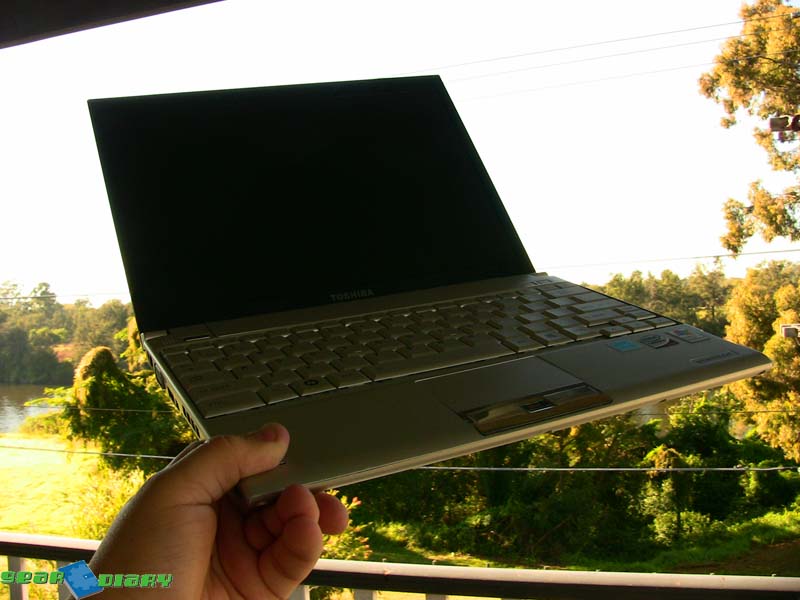
Fujitsu P8010 Review – Verdict: Pretty Good

[Sorry about the delay on this, I’ve been a bit swamped recently]

As you all know I really liked the MacBook Air, because it had a gorgeous screen, top-notch keyboard and fantastic build quality all in an incredibly thin case.

Unfortunately those are the four things that bugged me during my testing on the Fujitsu P8010. The screen had pathetic viewing angles, look at it from any angle but dead on and it looked terrible. The keyboard wasn’t full sized, and took a bit of getting used to. The machine was thick, but it was so small that it wasn’t that great of an issue.

Continue Reading

Comments (3)


Tags: , ,

Doug Blows Off Steam: About WM5 Smartphones

I recently received a catalog from Mobile Planet the other day, from whom I purchased my first Tapwave Zodiac.  I love Mobile Planet catalogs, and this issue is devoted to “The Latest in Windows Mobile Powered Devices,” supposedly containing “An amazing variety of Windows Mobile devices.” 

So I opened it eagerly to see what it had, because I love convergent devices.  Here’s the list:

i-mate JAQ:  200MHz, 64MB RAM, 128MB ROM, 2.8″ 240×320 screen, QWERTY keypad
Fujitsu Siemns LOOX T830:  416MHz, 64MB RAM, 128MB ROM, 2.4″ 240×240 screen, QWERTY keypad
BenQ-Siemens P51:  416MHz, 128MB RAM, 128MB ROM, 2.83″ 240×320 screen, QWERTY keypad
MIO A710:  520MHz, 64MB RAM, 128MB ROM, 2.7″ 320×240 screen (no keypad!  shocker!)
E-Ten G500+:  400MHz, 64MB RAM, 256MB ROM, 2.8″ 240×320 screen (no keypad)
i-mate SPL:  200MHz, 64MB RAM, 128MB ROM, 2.2″ 240×320 screen, phone keypad
i-mate Smartflip:  200MHz, 64MB RAM, 128MB ROM, 2.2″ 240×320 screen, phone keypad (but it’s a flip phone!  call AP!)
Samsung SGH-i320:  416MHz, 120MB “User memory”, 2.2″ 240×320 screen, QWERTY keypad
i-mate JAM:  416 MHz, 64MB RAM, 64MB ROM, 2.2″ 240×320 screen (no keypad)
i-mate JAM 128:   416 MHz, 64MB RAM, 128MB ROM, 2.2″ 240×320 screen (no keypad)

Yesiree bob!  An *amazing* variety of Windows Mobile devices!  They are all sooooooooo different!  You can get 240×240!  Or 240×320!  Or be a rebel, and get 320×240, and with no keypad!  Yowza! 

Continue Reading

Comments (14)


Tags: , , , ,
Gear Diary


Click here to follow Gear Diary on Twitter Download the Gear Diary dashboard widget by clicking here Click here to get a free 14 day subscription to Gear Diary delivered wirelessly to your Kindle!


    • Click here to keep up with our contests!

    • ProClips for every application

    • Alltop, all the top stories

    • MBA Member