Posted by Francis Scardino in CES, Diary Entries

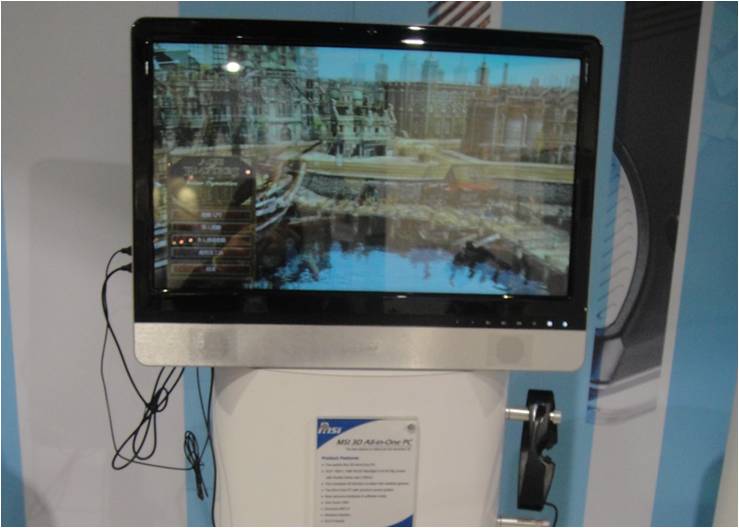
MSI (Micro Star International) will be showcasing several new desktops and notebooks this year at CES. The roll call at CES will include the new G-series Gaming laptop, GE-series 3D entertainment models, C-series Core i5 notebooks, X-series ultraslim, U-series Wind Netbooks, and the Wind Top AIO desktops. They will also have some innovating concept models to see on the floor.
Continue Reading
Posted by Dan Cohen in Diary Entries

MSI has just announced their new Wind U110 ECO.
At just 3.2 pounds and 1.24 inches thick the Atom-powered unit offers 15+ hours of run time. That’s pretty impressive. Other specs look good too, including a 10″ LED backlit screen with 1024×600 resolution, a high-definition webcam and 802.11 b/g/n LAN.
Full specs, the release and lots of pictures follow.
Posted by Wayne Schulz in Diary Entries
When Larry sent this video around yesterday I was positive it was nothing but a viral campaign for MSI laptops. But (pun intended) the skill of the performers in the video seemed real enough. But what do I know? Now there’s a doubter who say’s it’s probably all a fake-ola done with some type of computer imagery. Sure – what are you going to tell me next that there’s no fairie that enters my house when the kids lose teeth and drops a quarter under their pillow. I’m not buying the hoax theory. PS – Don’t try this at home.
Posted by Christopher Spera in Diary Entries
If you’ve been following the series that Dan and I have been doing on the MSI Wind, then you need to take a look at this. There’s a quick update you can make the the Darwin Boot Loader on the OSX side that will give your multi-booting Wind a bit more polish.
Posted by Christopher Spera in Diary Entries
For all MSI Wind users out there, MSI updated the U100’s BIOS yesterday to version 1.0B. The fixes include:
1. Fixed some CRT monitor garbage issue.
2. Update Microcode.
Please note that you will need to create a bootable USB stick to flash the Wind’s BIOS, and that the contents of the 1.0B.zip file should be unzipped to the root of the USB stick in order to run flash.bat.
Happy flashing!

Posted by Christopher Spera in Diary Entries
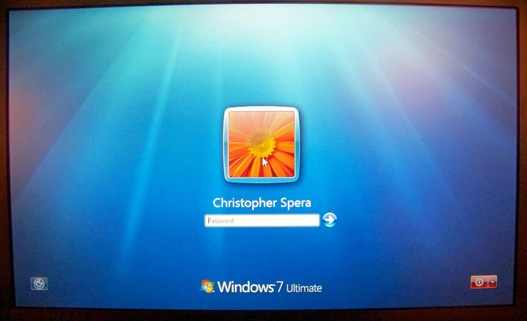
Not being the type that can leave well enough alone, I installed Windows 7 to my Wind as planned on 1/18/09. Windows 7 is interesting. I’m still exploring… However, after I installed 7, I really wanted to see if I could put OSX back on. Having the dual boot is really cool; and the dual boot with Windows 7..? Oh yeah. I’d be the king of my local Geekdom. I had to try…
The following is not sanctioned by Gear Diary, and is an advanced piece of hackery. However, once you master dual booting XP and OSX, I found this to be a bit easier. The only hard part, per se, is repairing the boot loader, and honestly, with the tool I found, its very easy. Anyone with a Wind can do this…
Posted by Christopher Spera in Diary Entries
This is just a short note, kids to let you know where I am with my Wind after this weekend’s article. I’ve completely blown the box, so XP is OFF the Wind. I took a couple of hours and put Windows 7 on it, and find it very interesting. I’m not completely sold on it yet, as its very Vista like, and I’ve really just got Vista Ultimate working the way I want it to on my MBP.
However, I’m playing with it; and yes, there is indeed a great deal to like about Win7 that you’re going to hear a great many people talk about in the weeks and months to come. But, this wasn’t really what I was wanting to get to with this quick, little post. I’ve been busy…
If you have a Wind, a copy of Windows 7 beta and are interested in getting it AND OSX on it at the same time, please look for a quick article in the next day or two (most of it is done already, I just need to take a few pictures…) on how to dual boot the Wind with Windows 7 and OSX. This one gets a little tricky, as while you think it should work the way XP and OSX did, it doesn’t.
Stay tuned! There’s more MSI goodness a-comin’!
Posted by Christopher Spera in Diary Entries
Over the past few months, I’ve seen a lot of people talk about netbook computers and how hackable they are. Sites like JKontheRun, The Gadgeteer, and even Gear Diary have all posted articles on hacking this particular netbook. While none of these sites recommends hacking ANY device, it does go a long way to showing everyone just how versatile this device truly, truly is.
Honestly, I wasn’t really interested in any kind of netbook computer until Dan posted his article on the creation of a “hackintosh,” or non-Apple PC running OSX. Before then, I really didn’t seen any real value or have any interest in using something that, at the time, I thought was underpowered, limited in functionality and versatility, and, well, way smaller than my 15.4″ MacBook Pro. I just didn’t see the point… Until Dan’s article, that is.
Please note that this is an ADVANCED piece of work. You also need to understand that no one at Gear Diary sanctions or recommends this. You shouldn’t do any of this without understanding that you do all of this at your own risk.
Posted by Christopher Spera in Diary Entries
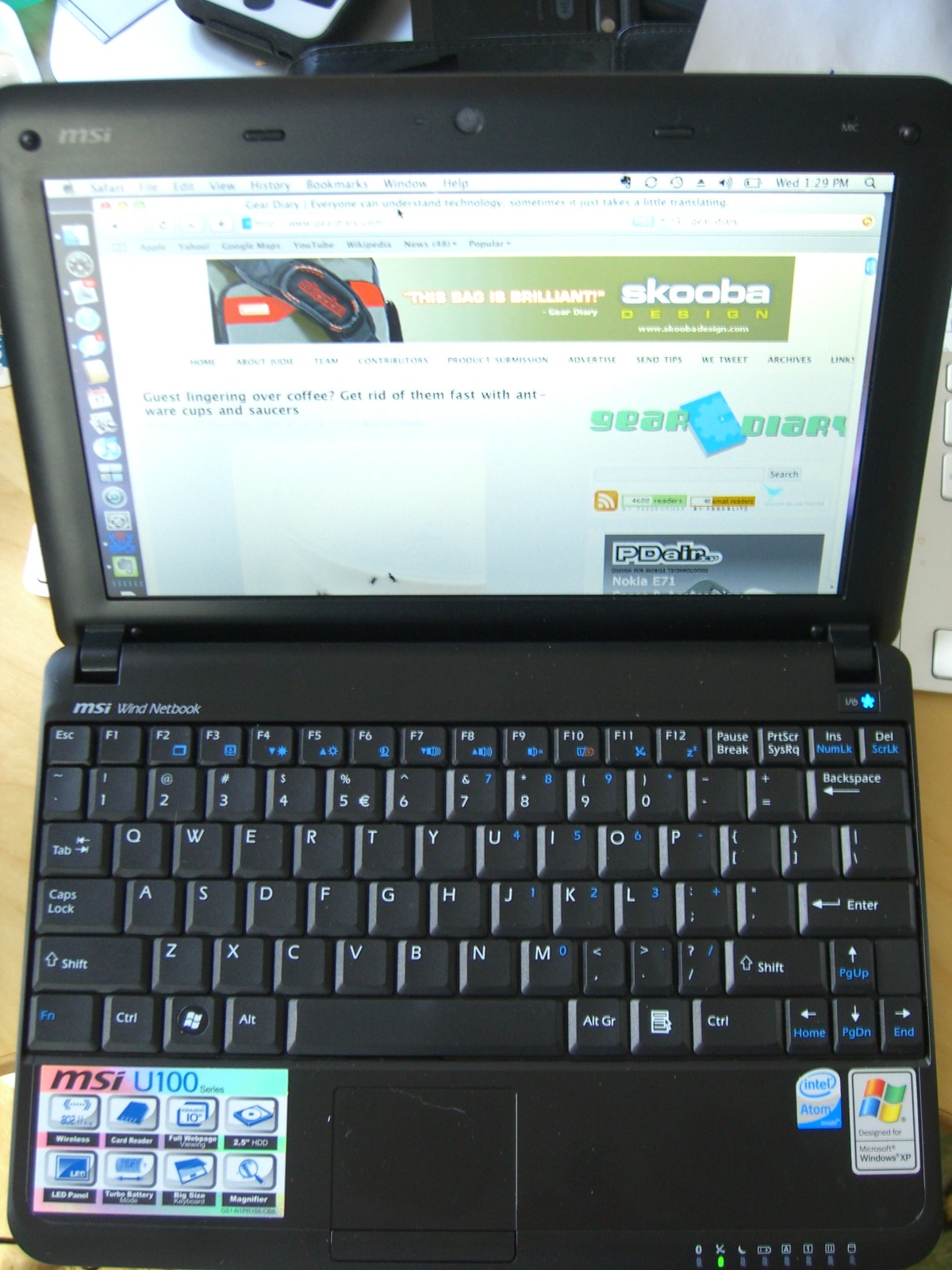
If you’re in the market for an MSI Wind, and are looking for a good deal, stop looking. I’ve found the deal for you! This is the upgraded version of what I bought from BestBuy last month. This is the U100-422US.  This netbook has the following specs:
Intel Atom 1.6 GHzÂ
1GB RAMÂ
160GB Hard DriveÂ
1.3 WebcamÂ
802.11b/g/nÂ
BluetoothÂ
International KeyboardÂ
6-Cell BatteryÂ
Windows XP Home
The unit is normally $449.99. After the introduction of the new MSI models, many stores are trying to get rid of their current stock. JR.com has this in stock now for $369.99, an $80 savings over its normal, retail price. I’m not certain how long these will be in stock, so if you’re interested, get to clickin’.
Again, this is the same unit that I bought, but with a bigger hard drive, the 6-Cell battery, 802.11b/g/n and Bluetooth(I had a 120GB HDD, 3-Cell battery and 802.11b/g and no Bluetooth). At just $20 more than what I paid, its definitely worth it.
You can see the full details here.
Posted by Christopher Spera in Diary Entries
As promised, I am in the process of writing up an article on dual booting the MSI Wind between Windows XP and OSX 10.5.6. I fully expect to have that article up before the end of the week. Its been an interesting journey getting it where it is now. If I could image the drive and just pull that on and off as I wanted, I’d probably do that; but you know us tweak-geeks…we just can’t leave good enough alone.
Case in point – As soon as the Dual Boot article is done, the Wind is getting wiped, and Windows 7 beta is going on! I was fortunate enough to score a copy of the beta and a license code over the weekend, and its going on as soon as possible. I’ll have a write up on that experience and process, as well as a mini review of Win7 on the Wind (is it worth trying to run on an Atom processor with only 2GB of RAM, how painful is it, is it REALLY better than Vista, etc.) If things go well, I may even try to put the dual boot back on, who knows…
Stay tuned!!

Posted by Dan Cohen in Diary Entries

MSI, who have gained great notoriety thanks to their U110 Wind (which Doug, Chris and I all use) just announced their 2009 lineup and looks quite nice. From extending the Wind Netbook U-series, to a new All-in-One lineup, to gaming machines, MSI seems to be making some significant inroads in the computing world. Here’s a peek…
Posted by Doug Goldring in Reviews
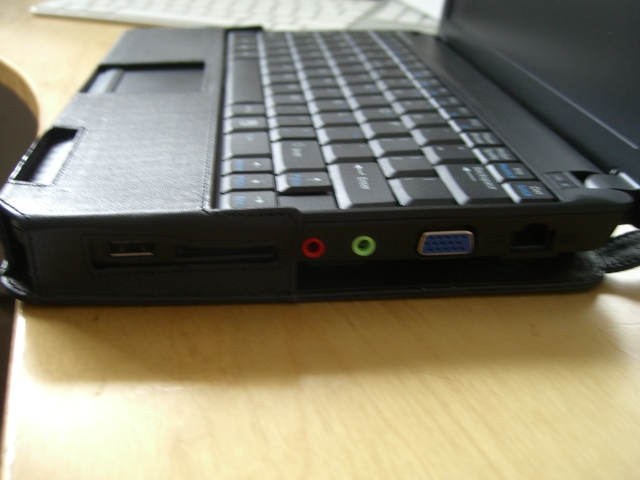
As much as I love my MSI Wind, I am not a fan of the case that was included in the box. Sure, it is functional. It protects my Wind, and keep a relatively low profile. But it is not exactly stylish. So, I have been watching for an opportunity to upgrade to something a little nicer. Fortunately for me, our friends over at PDAir were more than happy to oblige with an extremely nice brown leather case. Hit the jump for all of my thoughts on this one.
Posted by Christopher Spera in Diary Entries
This is an update to my earlier post regarding the Wind and OSX; and is just a quick update, kids…Â It took a bit of doing, AND I gave up on trying to figure out how to create a bootable, Windows based USB stick. I pulled down 2 different tools, and neither could make the 8GB SanDisk Cruzer I have bootable. I’m guessing it was an issue with Vista Ultimate (running that on my MacBook Pro) and not the tools themselves; but with my Gateway desktop OFFICIALLY belly up, I had no other XP box to work from…
I am working with Dan Cohen fellow Gear Diary Team Member, to validate the process I used to insure its truly repeatable; and will have a FULL write up later. However, I have gotten the Wind to dual boot both XP Home and OSX Leopard, with the latest 10.5.6 software updates, all hardware working, including the camera and WiFi card in both OS’.
Look for the full schmere later today (or likely later tomorrow). We’re trying to incorporate some video along with the how-to guide I’m writing… So stay tuned!
Posted by Christopher Spera in Diary Entries
Before I get started, I wanted to say special thanks go out to Dan Cohen, who stayed up with me until 3am Eastern/2am Central working on the Flash drive needed to get this all done. So… OSX 10.5.6 and the MSI Wind… Yah ok… maybe not so much.
Quick update – I’ve got OSX installed on my Wind (calling it miniMBP); and I’ve learned some interesting things as of this morning.
There appear to be keyboard and trackpad issues between the Wind and OSX 10.5.6. Everything still works if you use an external keyboard and mouse, but not with the Wind’s keyboard and trackpad. So once you buy the prize, its yours to keep… Meaning, once you hack it, you may not be able to go main stream for all updates.Â
Thankfully, I know what I need to do to install Leopard on the Wind, so I have a Mac in my pocket whenever I want it. I need to know if I can find the 10.5.5 update out there, download it and install it and see if my 10.5.6 theory is correct. I’m going to be trolling the Apple Support site and forums for this tonight and tomorrow.
Also, any MSI Wind fans out there need to check out forums.msiwind.net. This is a great resource and will help you if you run into any problems with your Wind whether it runs Windows XP, Vista , OSX, or whatever.
UPDATE: It looks as though ALL OS updates that are released MUST first be modified (by someone with a lot more development and programming skill than me) and be released as a hacked update before it can be installed on the Wind.Â
The OS version that Dan and I both used was 10.5.4. Installing updates for either 10.5.5 or 10.5.6 renders the internal keyboard and trackpad unusable. There’s obviously some kind of a driver issue or conflict there, at the very least. I’ll be looking around forums.msiwind.net for those updates as well.
Posted by Christopher Spera in Diary Entries
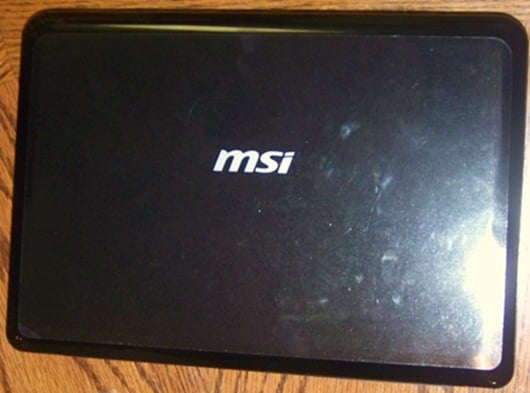
Just a quick post to let everyone know that I got my birthday present today (yes, its a week late, but who knew..?). What might that be? An MSI Wind, of course! (get it?? Breeze blowing..? Wind..? Never mind…)
Anywho, this is the start of a very long and very hackable relationship, I can feel it. Since the Wind comes with XP preinstalled; AND our own Brother Dan Cohen was able to get it to run OSX Leopard, I’m guessing it will also run Boot Camp. My goal: to get both OS’s running on it at the same time, without the use of a VM like Fusion or Parallels.
Stay tuned, because, like Dan, I’ll have some cool updates coming in the next few days and weeks. I’ve already put an extra GB of RAM in it (no problem, once you realize the last screw on the bottom of the machine is under the “Warranty Sticker. Void if tampered” sticker. Nice…