Posted by Judie Lipsett in Diary Entries
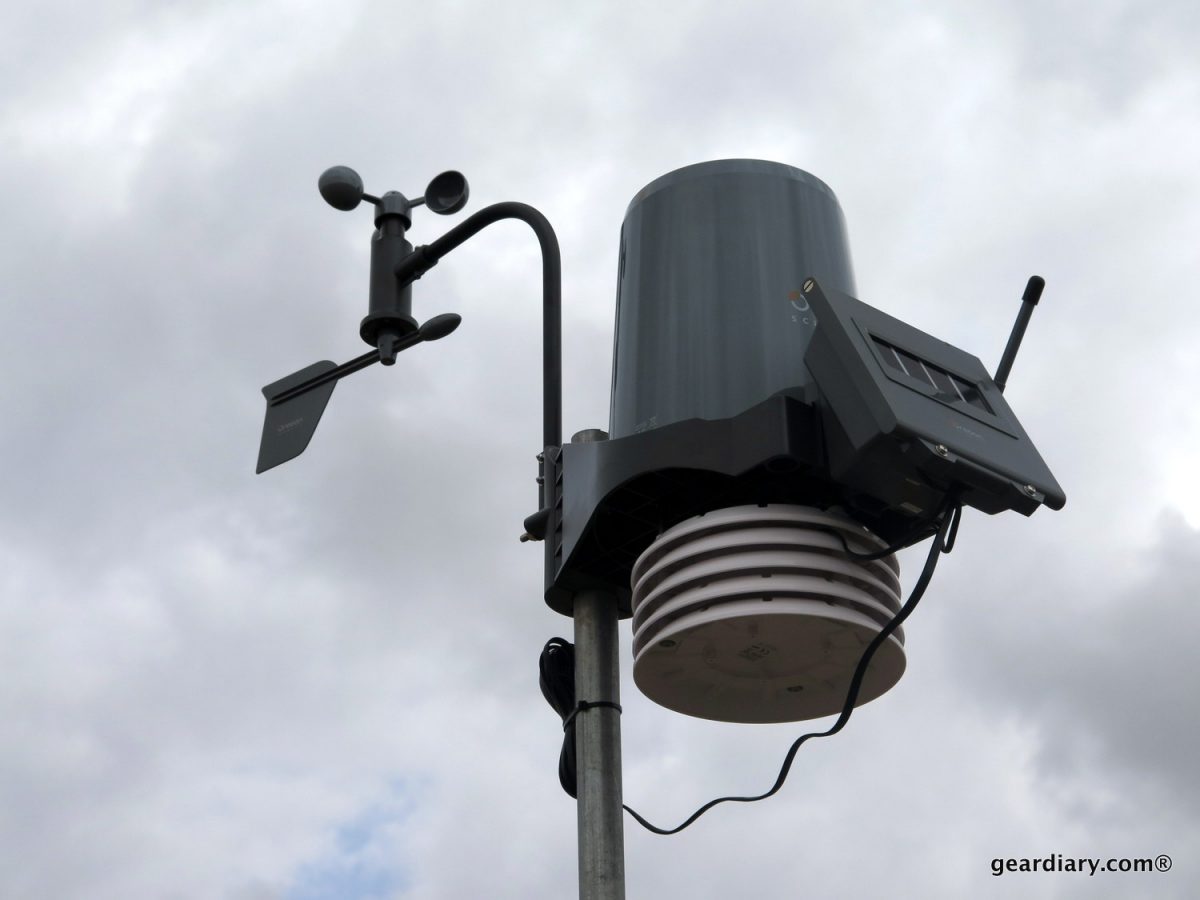
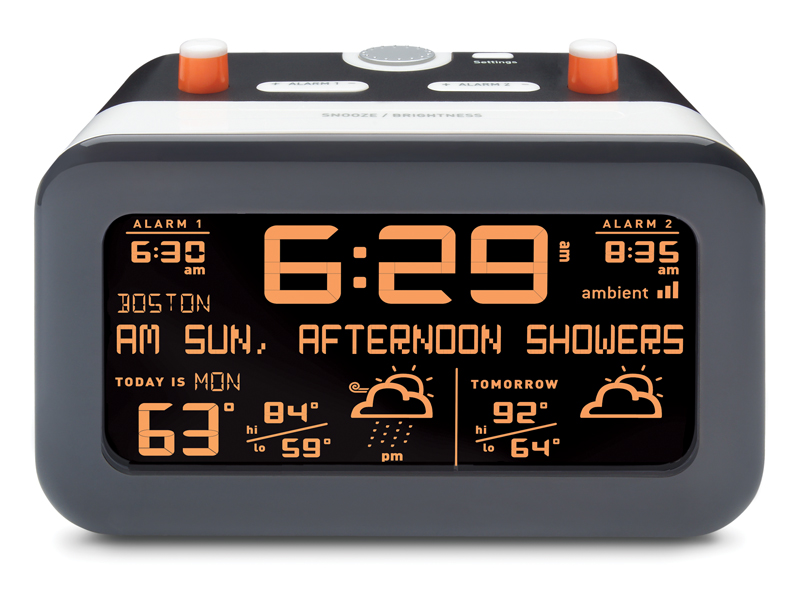
Once again, I am feeling the lack of love for those of us who live in rural America. There are two new Ambient Devices freshly introduced, but unless you live in one of the 152 US locations that support it, there will be “no Ambient for you!!”
If you do live within 30 miles of a supported location, you’ll get to enjoy Ambient’s new Cirrus 7 Day Forecaster via Accuweather.com and the Centerfield Baseball ScoreCaster via the free InfoCast Wireless Network; neither device requires a PC or Internet connection.
Cirrus ($129.99) and Centerfield ($99.00) are available now at Best Buy, but you should check to make sure that your city is on the list before springing.
Posted by Judie Lipsett in Diary Entries
As much as I love living in the rural countryside, there are certain products and services which I would like to use – but simply can’t. One of them is the new Ambient Devices Flurry Alarm Clock, which not only tells the time with dual alarms, it also wakes you to an animated weather forecast for that day and the next.
Features include:
• Intuitive “Pop-Up” alarm buttons are visual status indicators, easy to set and use.
• Network connected clock is always accurate and never needs setting.
• Integrated 2-Day weather forecast provided by AccuWeather.com for 150 U.S. locations.
• 25 character text display provides additional weather information and details.
• No PC, WIFI, or Internet connection necessary, automatically receives data from the FREE Ambient wireless network.
If you are curious about whether the Flurry will work where you live, you can check forecast locations here, and check to see if you’ll have signal coverage here. If you’re good to go, then you can get yours at Best Buy now, for a suggested retail price of $129.99.
Posted by Christopher Gavula in Diary Entries, Reviews
I have a number of weather apps on my iPhone. Overall, they are OK, but I’ve generally had two complaints: 1) They never seem to be as accurate as the information I find at the Weather Underground, and 2) They always seem to want to display the temperature in Fahrenheit OR Celsius, but never both at the same time! I grew up in Detroit where they often broadcast both (because Detroit is on the Canadian border). Additionally, I have friends all over the world. It’s nice to be able to talk about today’s weather without having to reset all the setting on my weather app!
Enter All Weather. This application, from Steve Parker, is actually endorsed by the people at Weather Underground. Better than that – it displays the current temperature (as well as wind chills/heat indexes) in both Fahrenheit and Celsius. Let’s take a look at how it does in general.

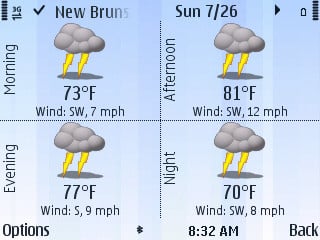
It’s inevitable…you’re sitting on your couch, relaxing with your tivo and your xbox…when you realize you need to <gasp> go outside! But what is the weather like? How will you know whether to wear your crocs or your docs? You could get up and go outside, but that takes effort. Luckily for you, Epocware has the excellent utility Handy Weather so you can check the weather from your Symbian phone before you have to leave the couch. Continue Reading
Posted by Judie Lipsett in Diary Entries
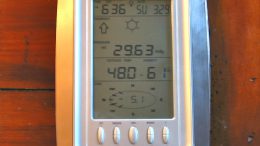
Yes, I’m showing you the backside, but that’s the part that sets the Oregon Scientific +ECO Clima Control apart from the droves of other personal weather stations. You can use the solar powered +ECO Clima Control to “monitor the current temperature and humidity in up to four locations within the home and outdoors, using remote wireless temperature and humidity sensors.”
The +ECO Clima Control’s rechargeable battery will operate for up to three months on an 8-hour charge, and other features include:
* Future weather forecast with graphical icons: Sunny, Partly Cloudy, Cloudy, Rainy and Snowy
* Radio-controlled clock and calendar (that’s the fancy way of saying it’s an atomic clock)
* LED backlight and mold alert alarm
Mold alert alarm? Really?! How exactly does that work?
Continue Reading
Posted by Travis Ehrlich in Diary Entries


Description from the developer:
Leave it to The Weather Channel, the most trusted brand in weather, to deliver the perfect weather application for your active lifestyle! This highly customizable application has everything you need to stay warm, safe and dry whether you’re heading across the country, across town or across campus.
Features:
• Location-based conditions and forecasts
• Fully customizable weather maps
• Local, National and International video forecasts
• Local and national severe weather alerts
• Share Alerts and Forecasts via email
• Store and nickname your favorite locations
Posted by Joel McLaughlin in Reviews
When outside or planning to go outside, checking the current weather conditions is usually the first thing I do. With WeatherBug for Android , it’s a simple swipe and a tap to find out what is going on outside.
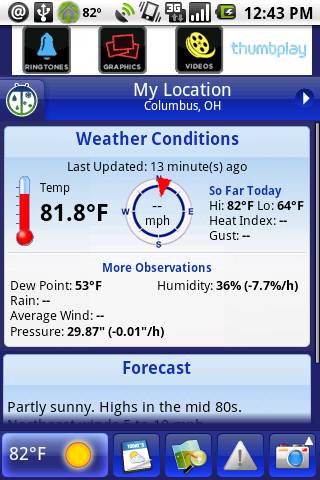
The WeatherBug app is a lot like the desktop counterpart. It has the current temperature in the notification area and it will optionally use the integrated GPS to change it’s location automatically. That is a fantastic idea and one I use a lot when traveling through the greater Columbus area. Continue Reading
Posted by Larry Greenberg in Diary Entries

If you’re a Mac user, Bare Bones software, the makers of the popular Blackberry application BBEdit, have a slick utility just for you. WeatherCal places the weather forecast for the next five days as all day events into iCal. Each location you specify gets its own line with the day’s forecast.
The application gets installed as a system preference and allows you to enter your favorite cities. You can also search for locations via name or zip code.
By clicking on the day’s forecast, you see a link to Weather Underground, which provides more detailed information for the day.
As an added bonus, if you’re an iPhone user, you can configure iTunes to sync your weather forecast to the iPhone’s calendar as well.
The application is available for download from the Bare Bones software web site. It costs $10 but a thirty day demo is available.
Posted by Wayne Schulz in Deals

I’m a big fan of the Weather Underground web site. Each morning and several times during the day I receive their emailed weather forecasts. It’s one of the few online sites that I gladly renew my paid membership with each year. When I’m traveling I’ll also use the site to setup temporary email alerts for pending storms that might arrive in the area where I’m going to be staying. Each time the National Weather Service issues a storm warning, watch or public information statement I am sent an email that alerts me to the news. There’s also a handy mobile site that can be viewed on your phone at http://m.wund.com/ . Here’s a deal that you may want to get in on pretty quickly — sign up for one year of weather free (normally $10) by using coupon code BAVV5.
1. Click here
2. Provide your email, password and handle (nickname)
3. Mark “Yes, upgrade me for only $10 per year.” checkbox, and click “Complete Registration”
4. After receiving a confirmation email with activation code, activate your account.
5. At payment page, enter coupon BAVV5.
6. Enjoy a totally free year of weather information from Weather Underground!
Posted by Christopher Gavula in Diary Entries

Spb Software has released the 2.0 version of their popular Spb Weather application for Windows Mobile devices.
The new version is using a lot of updated, finger-friendly controls. It features forecasts by Foreca (the people who do the MSN forecasts). They make use of animations in the forecasts, and they even include a 3D globe view (including satellite imagery).
Spb Weather 2.0 is available for $19.95. If you’re looking for a weather program for your Windows Mobile device, you’ll definitely want to check it out at the Spb Software website.
Posted by Wayne Schulz in Diary Entries

If you spend any amount of time outside you’ve probably used at least one weather site to view the current temperature and possibly a weather radar image. Even if you haven’t purchased any of the add-on programs that perform this function, the iPhone has a built in basic weather tool that shows the predicted high and low temperatures for the day. What the built-in application lacks is weather radar. By looking at a live weather map you can often predict whether the showers that have been forecast for your area are imminent or still a few hours away. While contemplating purchasing an iPhone weather radar app in iTunes for $9.99, I stumbled across iWeather – which is free and runs via your iPhone web browser linking you to the NOAA weather station radar maps and condition reports.
Posted by Wayne Schulz in Diary Entries
![]()
MSNBC is featuring a newly revised hurricane tracking map on their web site. In addition to following the big hurricanes, you can track tropical storms and depressions on the map as well. Information that is displayed includes — projected path of the storm, 12 hour intervals of approximate tracking and estimated wind speeds along the storm path. This is one of the best weather tracking/forecasting tools that I’ve ever seen and caused me to wonder whether someday the TV weatherman could be totally replaced by this type of computerized information.
PS – TV weathermen have already been replaced by computers – but we keep them around just to watch their on-air freak outs.
Posted by Kerry Woo in Diary Entries, Reviews
Every summer, outdoor chefs in neighborhoods are firing up their charcoal, propane, or natural gas outdoor grill. Roll down the car window on any weekend evening in towns across America and most likely the smell of hamburgers, steaks or BBQ ribs will arouse the saliva glands.
Whether you are having a neighborhood get-together, summer party or cooking outdoors to avoid heating up the kitchen, undercooked or overcooked food is always a grill master’s challenge. If you cut the meat, the flavor of the juices run out; raising the lid on the grill loses the temperature, and worse, serving undercooked meat is not good for one’s belly or reputation.
The key to good grilling is to monitor the temperature for perfection. If you like to cook (and eat) like me, the Oregon Scientific AW131 Grill-Right Wireless Talking BBQ/Oven Thermometer is a must.
Pull up a chair, grab a drink and let’s take a look…
Posted by Wayne Schulz in Diary Entries

Here’s a dirty secret of many online weather services. I’ve also seen this secret used by TV and RADIO weather forecasters for many years. Timely United States weather forecasts are distributed primarily from one organization. And they’re available online, for free and without any annoying banner advertisements or user registrations.
Posted by Doug Goldring in Reviews
[Note: This review was originally posted at Just Another Mobile Monday, and is reprinted here with permission.]
Since its inception in February, 2007, Spb Mobile Shell has consistently been named among the top, if not the number one, overall programs for Windows Mobile devices, even earning a spot on the coveted JAMM Essential Applications List (in our Best of the Best list). So, what is it about Spb Mobile Shell that rang such a strong chord across the entire industry? Much of it, I think relates to two factors. First is the general dissatisfaction with the standard Windows Mobile interface. As such, from the very beginning, but even more so in the new version 2, Mobile Shell does not attempt to enhance the standard user interface. Instead, it quite obviously intends to replace the standard interface entirely. Second, Spb seems to always have a strong sense the current market trends. Tools like their annual user survey keeps the Spb team well in tune with the Pocket PC community. As such, both the original Mobile Shell, and the new upgrade seem to be a direct response to the trends of the community. With the original Mobile Shell, Spb heard the calls for a better user experience, and focused the program on usability and a consistently aesthetic design. With Mobile Shell 2, they have taken this philosophy to a whole new level with the new three-paneled Expanded Now Screen, finger friendly controls, gestures and animations at every turn, and…well…let’s just go ahead and dive right in and take a closer look.